
HubSpot Agent CLI
CLIHubSpot's official CLI for AI agents (beta): find and bulk-update contacts, companies, deals and tickets, log calls and meetings, advance deal stages and route conversations, with an official skill pack. Needs a HubSpot account and browser login; writes hit live data, so try --dry-run first.
HubSpot Agent CLI
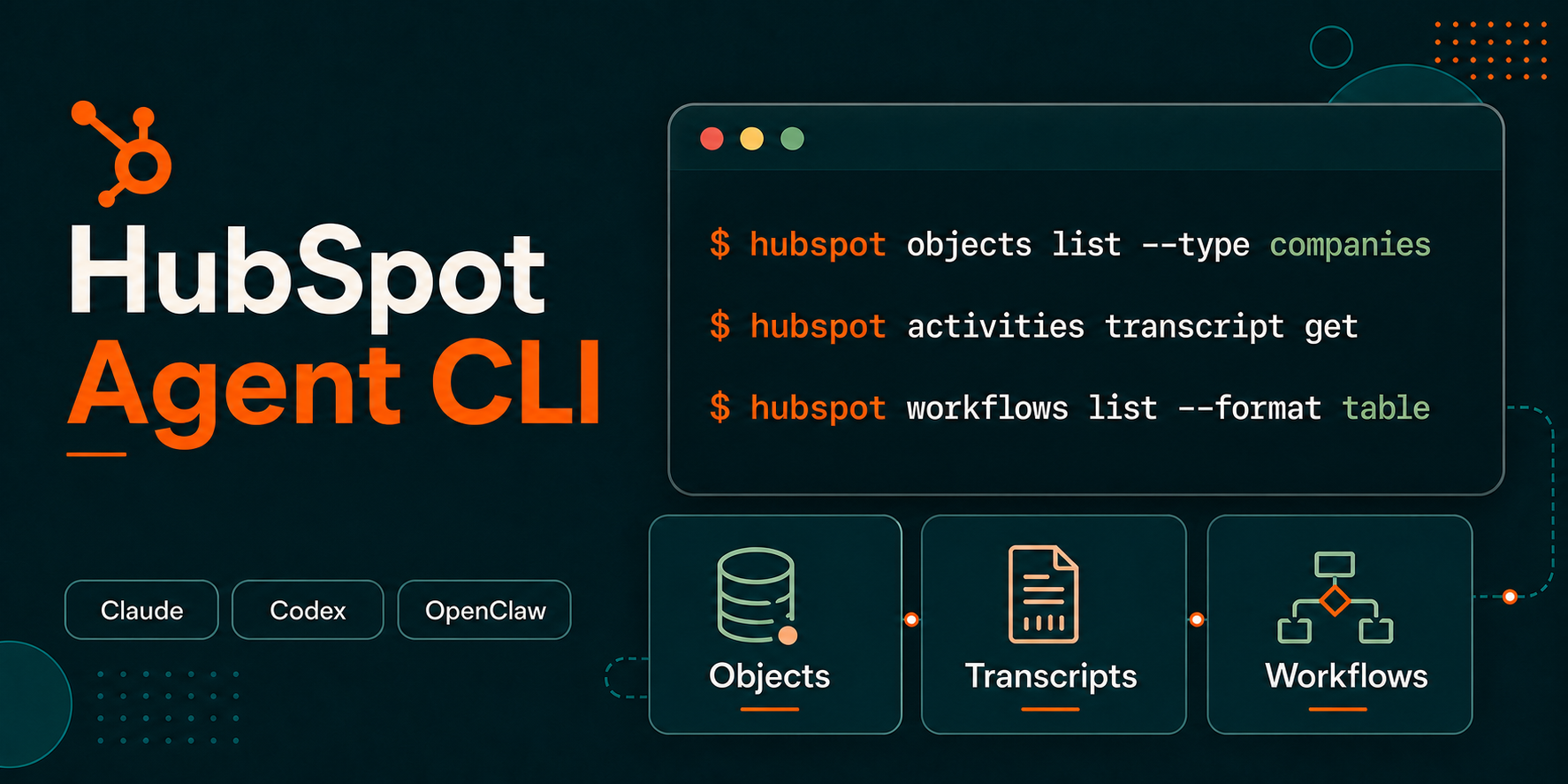
The HubSpot Agent CLI is a command-line tool for AI agents and technical users who need to work directly with HubSpot CRM data from a local or agent workspace.
This repository is the public home for HubSpot Agent CLI releases, version history, issue tracking, and documentation links. The CLI should be installed using the instructions and prompts included below.
[!WARNING] The HubSpot Agent CLI is currently in beta. Commands, flags, and behavior may change without notice. Write operations such as create, update, and delete can modify or permanently delete live CRM data. Test in a sandbox account when possible and use
--dry-runbefore applying mutations.
Documentation
- Documentation: Install and use the HubSpot Agent CLI
- HubSpot Knowledge Base: Use the HubSpot Agent CLI
- HubSpot Agent CLI Skills
- Releases
- Issues
Installation
The Agent CLI is packaged as a single binary with no runtime dependencies. It is supported on macOS, Linux, and Windows.
Install in an AI-agent workspace
If you are setting up the CLI for use with an AI agent such as Claude Code, Claude Cowork, or OpenAI Codex, provide the prompt below to your agent:
Install the HubSpot Agent CLI in this agent workspace. If this workspace uses a POSIX shell (macOS, Linux, WSL, or Bash), run `curl -fsSL https://api.hubapi.com/hub/cli/backend/hub-cli/latest/install.sh | sh`. If it uses Windows PowerShell, run `irm https://api.hubapi.com/hub/cli/backend/hub-cli/latest/install.ps1 | iex`. Then authenticate with `hubspot auth login`, install HubSpot Agent CLI Skills with `npx skills add hubspot/agent-cli-skills`, and use `hubspot --help` to explore what's available.
Agents can discover CLI capabilities with --help at any level of the command tree:
hubspot --help
hubspot objects --help
hubspot objects list --help
Install manually
Install the latest Agent CLI binary for your operating system.
macOS and Linux
curl -fsSL https://api.hubapi.com/hub/cli/backend/hub-cli/latest/install.sh | sh
Windows PowerShell
irm https://api.hubapi.com/hub/cli/backend/hub-cli/latest/install.ps1 | iex
The installer adds the CLI to your PATH. After installation, open a new terminal window or tab so the PATH change takes effect.
Verify the installation:
hubspot --version
Add HubSpot Agent CLI Skills
If you installed the CLI for use in an AI-agent workspace, install HubSpot Agent CLI Skills in that same workspace:
npx skills add hubspot/agent-cli-skills
The skills give compatible agents HubSpot-specific guidance for CRM lookup, bulk operations, data quality, workflow automation, and related tasks. To inspect the skills before installing them, see the hubspot/agent-cli-skills repository.
Authentication
After installing the CLI, authenticate with your HubSpot account:
hubspot auth login
This opens a browser window where you can authorize the CLI. The resulting token is scoped to your HubSpot user permissions and is refreshed automatically.
Confirm your authenticated account and token type:
hubspot whoami
To clear cached credentials:
hubspot auth logout
For admin or automation workflows that require account-level access, the CLI also supports service key tokens through the HUBSPOT_ACCESS_TOKEN environment variable. See Admin mode via service key token for details on OAuth behavior, service key setup, and auth-sensitive commands.
Keep the CLI up to date
Choose the update path that matches how you installed the CLI.
Installed on your computer
Download and install the latest Agent CLI binary:
hubspot upgrade
If you also installed HubSpot Agent CLI Skills in this workspace, update the skills library:
npx skills update
Installed in an agent workspace
Provide the prompt below to your AI agent:
Use the command `hubspot upgrade` in the workspace you previously installed the HubSpot Agent CLI to get the latest version. Then use `npx skills update` in the same workspace to check for new or updated HubSpot Agent CLI Skills. Confirm when both commands have completed successfully or if there were any errors and the appropriate resolution steps.
Disable automatic upgrades
Technical users who rely on generated scripts can disable automatic upgrade checks to keep CLI behavior consistent while those scripts are reviewed.
export HUBSPOT_NO_AUTO_UPGRADE=1
Confirm the CLI version your scripts will use:
hubspot --version
This setting applies to automatic upgrade checks for normal commands. You can still install an update explicitly with hubspot upgrade.
Network access
The CLI installer, upgrade flow, and commands communicate with HubSpot through api.hubapi.com. If your agent workspace runs in a managed environment with outbound network restrictions, your administrator may need to allowlist api.hubapi.com. For further information and instructions for administrators of Claude and Codex Desktop apps, see Using the CLI with Claude Cowork.
Reporting issues
Use GitHub Issues to report bugs, request improvements, or share feedback about the HubSpot Agent CLI. Include the CLI version from hubspot --version, the command you ran, the expected result, and the actual result.
Terms
By using the HubSpot Agent CLI beta, you agree to HubSpot's Developer Terms and Developer Beta Terms.
Похожие ресурсы
HubSpot Agent CLI Skills
SkillHubSpot's official skills for running the CRM via the hubspot CLI: look up customers and history, filter audiences, dedupe records, advance deals, build sales reports and route support tickets. Needs the HubSpot Agent CLI (beta) signed in; dry-run bulk edits first; some features need paid plans.
HubSpot/agent-cli-skills27
Review and Reputation
SkillCollects reviews and complaints from Google, Yelp, Facebook and more, groups them by theme with quotes, and drafts replies in the owner's voice that post only after approval; also finds lapsed customers and drafts win-back messages. Official Anthropic small-business plugin.
anthropics/knowledge-work-plugins29.9kticket-resolution
SkillHubSpot's official skill: agents use the HubSpot Agent CLI to create and triage tickets, move them through pipeline stages, queue by priority, bulk-update status and log resolutions. Needs the HubSpot Agent CLI (beta), signed in, plus the repo's bulk-operations skill. Edits live data; try a sandbox.
HubSpot/agent-cli-skills27
GTM Agents: Customer Success
PluginCustomer success plugin from gtm-agents: three commands with subagents for account health monitoring, adoption plans and escalation playbooks, plus skills for risk scoring, executive business reviews (EBRs) and feedback loops. Prompt-only; bring your own usage, ticket and NPS data.
gtmagents/gtm-agents420
Salesforce MCP Server
MCPCommunity-run local Salesforce MCP: query, summarize and update accounts, opportunities and cases in plain language and search across objects; admins can also create custom objects and fields and edit Apex. Needs Salesforce login and security token (or a Connected App) and Node.js 22+.
tsmztech/mcp-server-salesforce165
Salesforce Hosted MCP Servers
MCPSalesforce's official hosted MCP servers: after an admin enables them in Setup with an OAuth external client app, agents can query and update CRM records and run Flows under the user's permissions. Needs Enterprise Edition or higher, or a free Developer Edition org. Repo holds docs and Q&A.
forcedotcom/mcp-hosted135