
Kimi Code CLI
CLIMoonshot AI's official terminal coding agent: reads and edits code, runs commands, searches files and fetches web pages, with video input, MCP, plugins, subagents and hooks, plus Zed and JetBrains integration via ACP. Needs a Kimi sign-in or Moonshot API key. Replaces the archived Kimi CLI.
Kimi Code CLI


Documentation · Issues · 中文
What is Kimi Code CLI
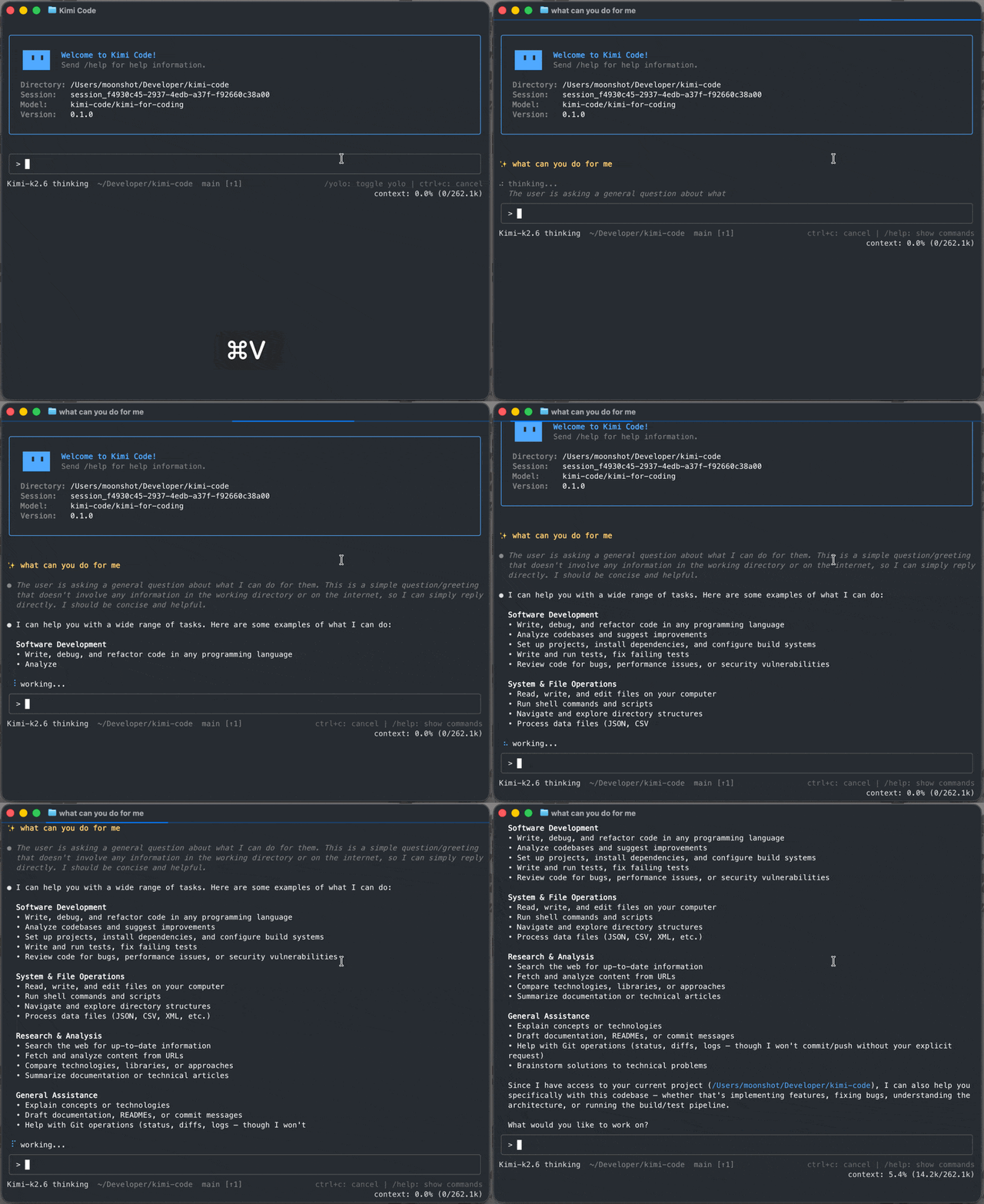
Kimi Code CLI is an AI coding agent that runs in your terminal — it can read and edit code, run shell commands, search files, fetch web pages, and choose the next step based on the feedback it receives. It works out of the box with Moonshot AI’s Kimi models and can also be configured to use other compatible providers.
Install
Install with the official script. No Node.js required.
- macOS or Linux:
curl -fsSL https://code.kimi.com/kimi-code/install.sh | bash
- Windows (PowerShell):
irm https://code.kimi.com/kimi-code/install.ps1 | iex
On Windows, install Git for Windows before first launch because Kimi Code CLI uses the bundled Git Bash as its shell environment. If Git Bash is installed in a custom location, set
KIMI_SHELL_PATHto the absolute path ofbash.exe.
Then, run it with a new shell session:
kimi --version
For npm install, upgrade, uninstall, see Getting Started.
Quick Start
Open a project and start the interactive UI:
cd your-project
kimi
On first launch, run /login inside Kimi Code CLI and choose either Kimi Code OAuth or a Moonshot AI Open Platform API key. After login, try your first task:
Take a look at this project and explain its main directories.
Key Features
- Single-binary distribution. Install with one command: no Node.js setup, PATH gymnastics, or global module conflicts.
- Blazing-fast startup. The TUI is ready in milliseconds, so starting a session never feels heavy.
- Purpose-built TUI. A carefully tuned interface, optimized end to end for long, focused agent sessions.
- Video input. Drop a screen recording or demo clip into the chat and let the agent watch what is hard to describe in words — turn a reference clip into a LUT, a long video into a short, a screen recording into working code, and more.
- AI-native MCP configuration. Add, edit, and authenticate Model Context Protocol servers conversationally with
/mcp-config, without hand-editing JSON. - Rich plugin ecosystem. Install skills, MCP servers, and data sources from the marketplace or any GitHub repo, with each install's trust level surfaced up front.
- Subagents for focused, parallel work. Dispatch built-in
coder,explore, andplansubagents in isolated contexts while keeping the main conversation clean. - Lifecycle hooks. Run local commands at key points to gate risky tool calls, audit decisions, trigger desktop notifications, or connect to your own automation.
- Editor & IDE integration (ACP). Drive a Kimi Code CLI session straight from Zed, JetBrains, or any Agent Client Protocol client with
kimi acp.
Use it in your editor (ACP)
Kimi Code CLI speaks the Agent Client Protocol, so ACP-compatible editors and IDEs (Zed, JetBrains, …) can drive a session over stdio. Log in once, then point your editor at the kimi acp subcommand — no extra login needed.
For Zed, add this to ~/.config/zed/settings.json:
{
  "agent_servers": {
    "Kimi Code CLI": {
      "type": "custom",
      "command": "kimi",
      "args": ["acp"],
      "env": {}
    }
  }
}
Then open a new conversation in Zed's Agent panel. See Using in IDEs for JetBrains setup and troubleshooting, and the kimi acp reference for the full capability matrix.
Docs
- Getting Started
- Interaction and approvals
- Sessions
- Using in IDEs (ACP)
- Configuration
- Command reference
Develop
Requirements: Node.js ≥ 24.15.0, pnpm 10.33.0.
git clone https://github.com/MoonshotAI/kimi-code.git
cd kimi-code
pnpm install
pnpm dev:cli    # run the CLI in dev mode
pnpm test       # run tests
pnpm typecheck  # TypeScript check
pnpm lint       # oxlint
pnpm build      # build all packages
See CONTRIBUTING.md for the full contribution guide.
Community
- Issues
- For security vulnerabilities, see SECURITY.md.
Acknowledgements
Our TUI is built on top of pi-tui. We thank the authors of pi-tui for their valuable work.
License
Released under the MIT License.
Ähnliche Ressourcen

OpenCode
CLIOpen-source terminal coding agent that switches freely between model providers. Includes a build agent that edits code, a read-only plan agent for analysis, subagents, and a desktop app. Formerly sst/opencode.
anomalyco/opencode214k
Claude Code
CLIAnthropic's terminal coding agent: understands your codebase, edits code, runs commands and handles git workflows, with plugins, MCP and a headless mode (claude -p). Sign in with a Claude account or set an API key.
anthropics/claude-code151k
RTK (Rust Token Killer)
CLIRust CLI proxy that filters and compresses command output before it reaches the agent's context, covering git, tests, grep, ls and 100+ other commands and cutting bash output by up to about 90%. Hooks automatically rewrite commands run by Claude Code, Codex and others.
rtk-ai/rtk83.6k
Cline CLI
CLIOfficial Cline CLI sharing its agent core with the VS Code extension: plan/act modes, MCP, checkpoints and subagents; --yolo and --json run it unattended in CI and scripts. Sign in with Cline or a ChatGPT subscription, or bring your own API key.
cline/cline70.4k
oh-my-codex
CLIAdds a workflow layer to OpenAI's Codex CLI: requirement clarification, plan review, persistent goals, parallel multi-agent teams and tmux session management, with project state in .omx/ and a bundled Codex plugin. Community project; needs a signed-in Codex CLI, macOS or Linux recommended.
Yeachan-Heo/oh-my-codex33.6k
Claude Code Templates
CLIInstalls ready-made subagents, slash commands, hooks, MCP configs and skills for Claude Code with one npx command, browsable online at aitmpl.com. Also includes session analytics, health checks and other helpers.
davila7/claude-code-templates32.7k