
Buzz
CLIOffline speech transcription and translation based on Whisper; audio never leaves your machine. buzz add exports lectures, interviews and meeting recordings to TXT, SRT or VTT. pip install needs Python 3.12 and FFmpeg; a desktop app is also available. Check transcripts manually.
[简体中文] <- 点击查看中文页面。
Buzz
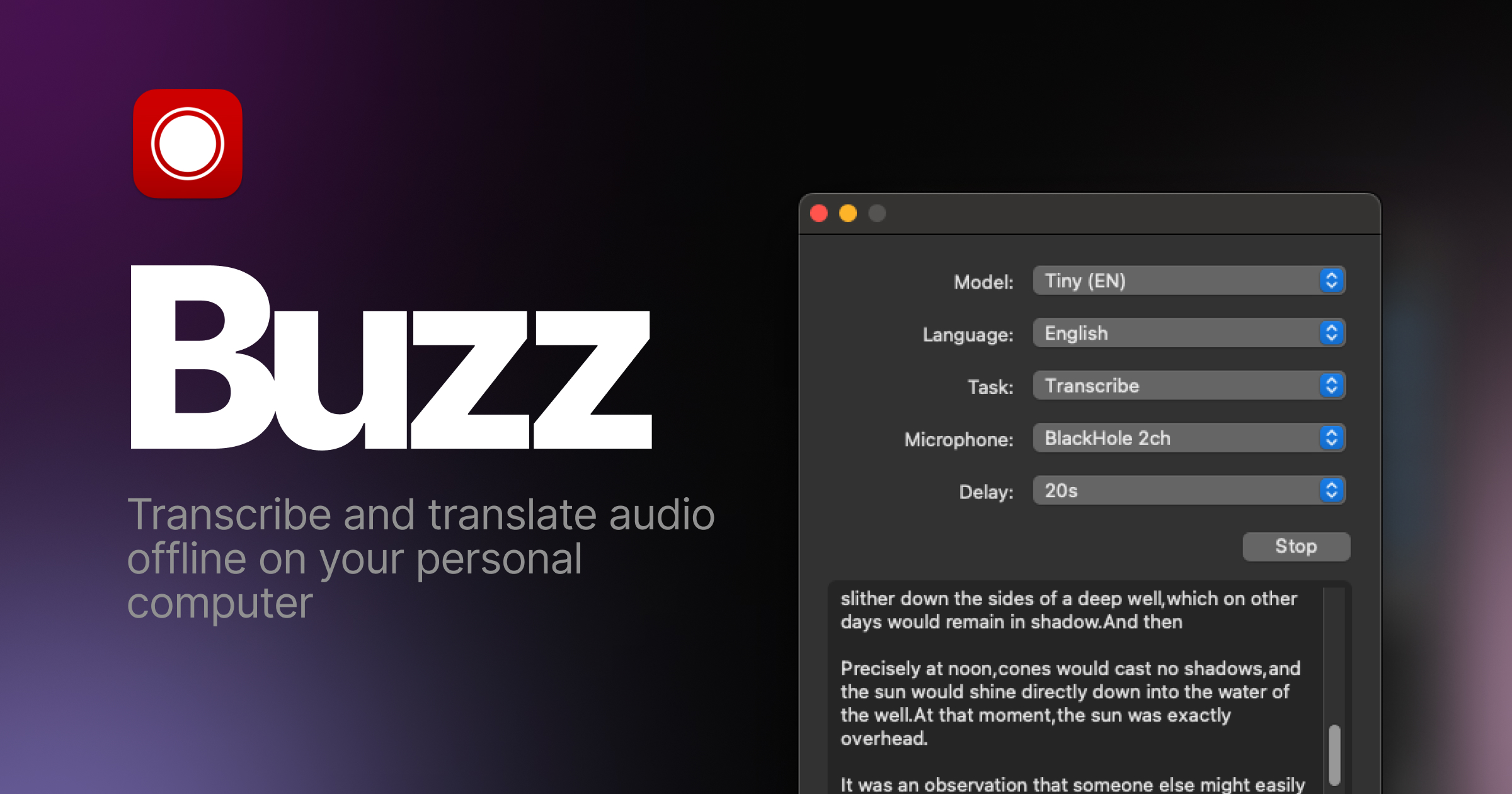
Transcribe and translate audio offline on your personal computer. Powered by OpenAI's Whisper.





Features
- Transcribe audio and video files or Youtube links
- Live realtime audio transcription from microphone
- Presentation window for easy accessibility during events and presentations
- Speech separation before transcription for better accuracy on noisy audio
- Speaker identification in transcribed media
- Multiple whisper backend support
- CUDA acceleration support for Nvidia GPUs
- Apple Silicon support for Macs
- Vulkan acceleration support for Whisper.cpp on most GPUs, including integrated GPUs
- Multiple Transformer model family support via Huggingface whisper type
- Export transcripts to TXT, SRT, and VTT
- Advanced Transcription Viewer with search, playback controls, and speed adjustment
- Keyboard shortcuts for efficient navigation
- Watch folder for automatic transcription of new files
- Command-Line Interface for scripting and automation
- Plugin system with plugins like AI summary generation and automated transcript resizing
Installation
macOS
Download the .dmg from the SourceForge.
Intel Macs: Buzz now requires Apple silicon. The last version to support Intel Macs is 1.4.5.
Windows
Get the installation files from the SourceForge.
App is not signed, you will get a warning when you install it. Select More info -> Run anyway.
Linux
Buzz is available as a Flatpak, Snap or Appimage.
To install flatpak, run:
flatpak install flathub io.github.chidiwilliams.Buzz
To install snap, run:
sudo apt-get install libportaudio2 libcanberra-gtk-module libcanberra-gtk3-module
sudo snap install buzz

PyPI
Install ffmpeg
Ensure you use Python 3.12 environment.
Install Buzz
pip install buzz-captions
python -m buzz
GPU support for PyPI
To have GPU support for Nvidia GPUs on Windows, for PyPI installed version ensure, CUDA support for torch
pip3 install -U torch==2.8.0+cu129 torchaudio==2.8.0+cu129 --index-url https://download.pytorch.org/whl/cu129
pip3 install nvidia-cublas-cu12==12.9.1.4 nvidia-cuda-cupti-cu12==12.9.79 nvidia-cuda-runtime-cu12==12.9.79 --extra-index-url https://pypi.nvidia.com
Latest development version
For info on how to get latest development version with latest features and bug fixes see FAQ.
Nvidia CUDA GPU acceleration
If you are on Buzz version 1.4.6 (once it is released) or later and have a Nvidia GPU, go to Help -> About Buzz and install CUDA Acceleration.
Support Buzz
You can help the Buzz by starring 🌟 the repo and sharing it with your friends.
Screenshots


Ähnliche Ressourcen

whisper-ctranslate2
CLILocal transcription that's compatible with the OpenAI Whisper CLI but faster and lighter: outputs SRT/VTT subtitles or text and can transcribe a live microphone. Needs Python; models download on first run; speaker labels need pyannote.audio and a Hugging Face token.
Softcatala/whisper-ctranslate21.4k
WhisperX
CLIFast speech transcription built on faster-whisper, with word-level timestamps and speaker diarization, suited to meeting notes and subtitles. Diarization needs a Hugging Face token; GPU acceleration needs CUDA.
m-bain/whisperX24.6k
Whisper
CLIOpenAI's open-source general-purpose speech recognition model. The whisper command transcribes many languages, translates foreign speech into English and writes subtitle files. Needs FFmpeg; faster with a GPU.
openai/whisper111k
whisper.cpp
CLIC/C++ port of OpenAI's Whisper speech recognition model that transcribes audio offline and outputs subtitles. Runs on CPU, with Apple Silicon and various GPU acceleration. Download a ggml-format model first.
ggml-org/whisper.cpp54.4k
VideoCaptioner
CLICLI version of the VideoCaptioner subtitle assistant: transcribes courses, lectures and interviews, uses an LLM to segment, proofread and translate, then burns subtitles into the video. Free ASR and Bing translation work out of the box; LLM refinement needs an API key. Python 3.10 to 3.12.
WEIFENG2333/VideoCaptioner16.3k
MLX-Audio
CLIOffline speech toolkit for Apple Silicon Macs: CLI text-to-speech (including Chinese and voice cloning) and speech-to-text, for voicing lessons and explainer videos or transcribing lectures and interviews, with data staying local. Needs an M-series Mac and Python 3.10+; MP3 export needs ffmpeg.
Blaizzy/mlx-audio8.1k