
pdfcpu
CLIPDF command line written in pure Go with almost no external dependencies: dozens of subcommands to merge, split, crop, rotate, watermark, encrypt and decrypt, extract images and fonts, and work with forms.
pdfcpu: PDF tooling for Go and the command line





pdfcpu is a PDF processing library and command-line tool written in Go. It supports validation, optimization, encryption, signing, document assembly, content extraction, and other common PDF operations.
pdfcpu supports PDF versions through PDF 2.0 (ISO 32000-2). PDF 2.0 validation support is basic and continuously improving.
 Horst Rutter, the maintainer of pdfcpu, is a member of the PDF Association.
Installation
| Command-line interface | Go API |
|---|---|
| CLI Installation instructions | API Installation instructions |
Usage
CLI
Validate a PDF:
pdfcpu validate input.pdf
Merge two PDFs:
pdfcpu merge merged.pdf in1.pdf in2.pdf
Go API
See API documentation for usage examples.
Features
- Validate, optimize, split, trim, and merge PDFs
- Extract and manipulate images, fonts, and metadata
- Encrypt and decrypt PDFs
- Resize and rotate pages
- Add and remove stamps and watermarks
- Validate signature integrity, report signature evidence, and remove signatures
- Manage attachments and portfolios
Examples
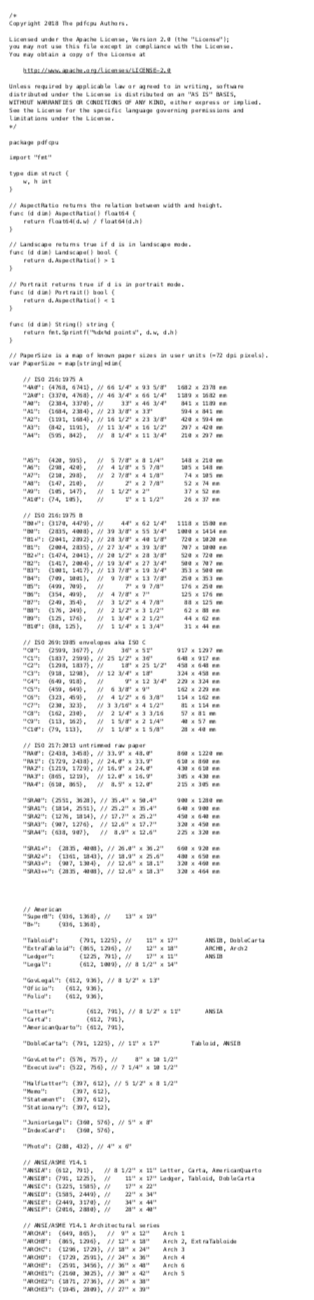
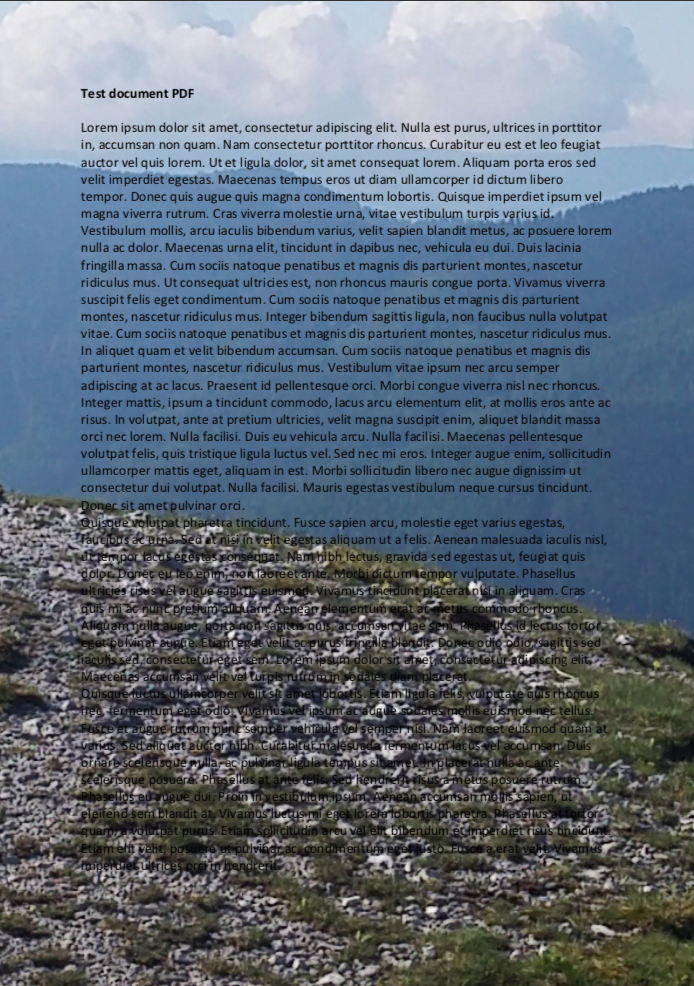
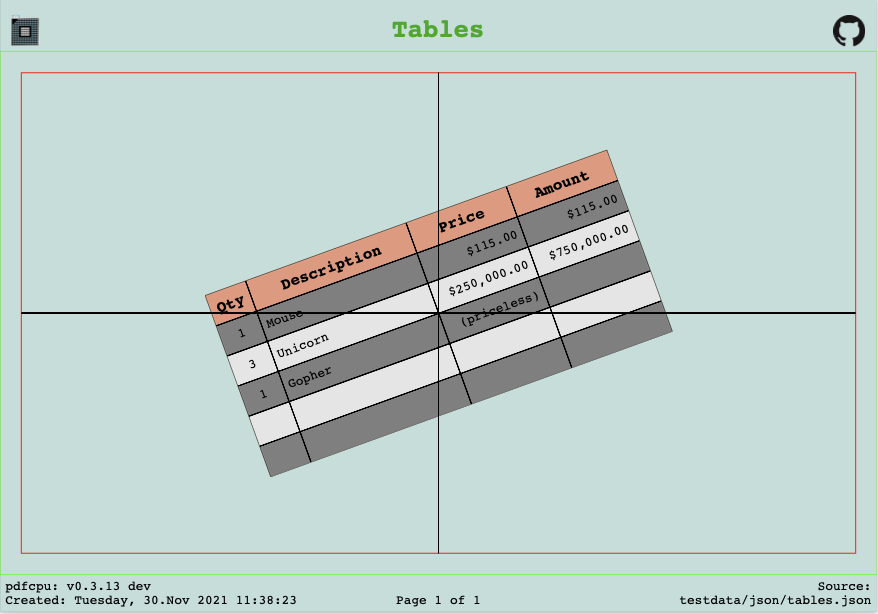
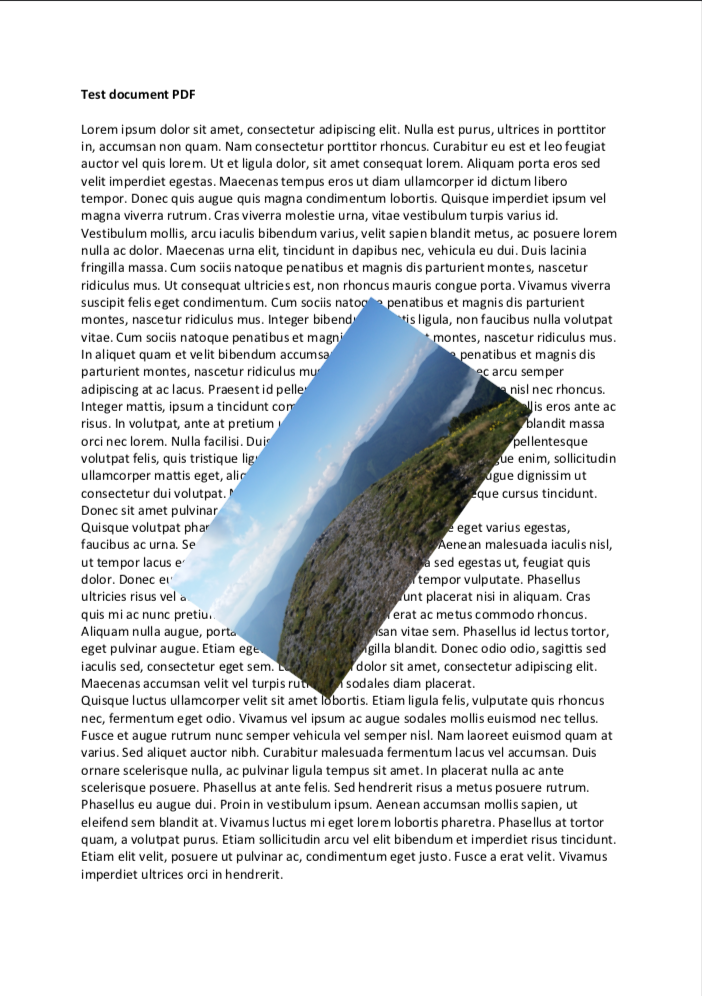
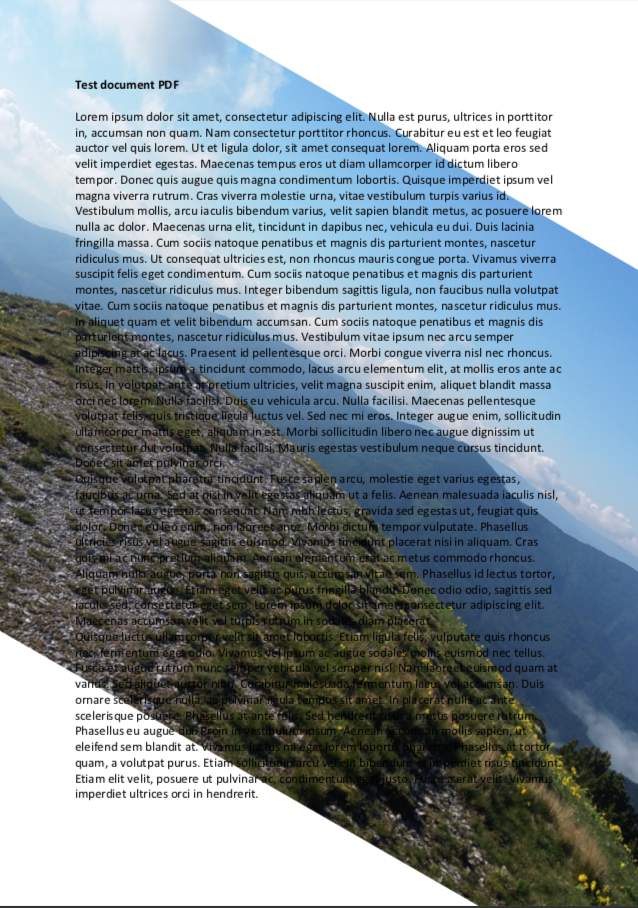
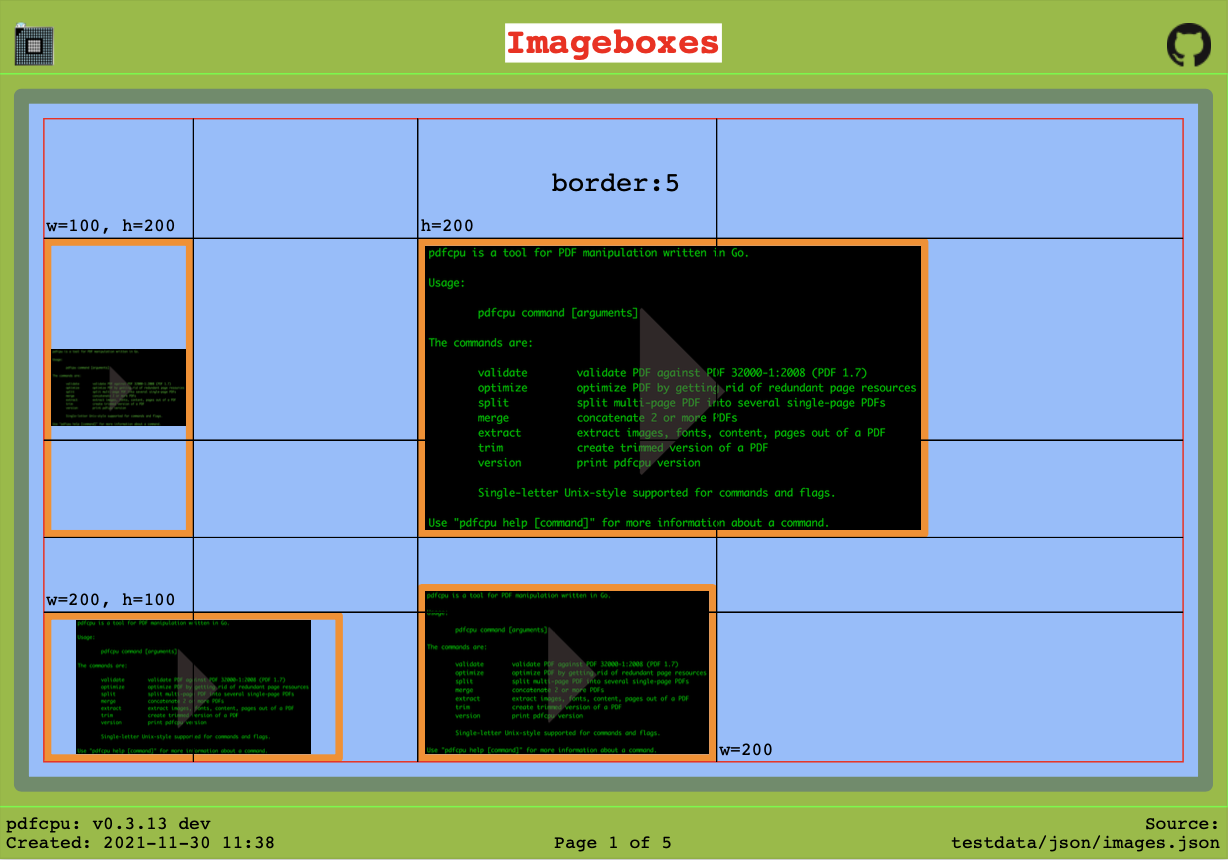
Selected examples:
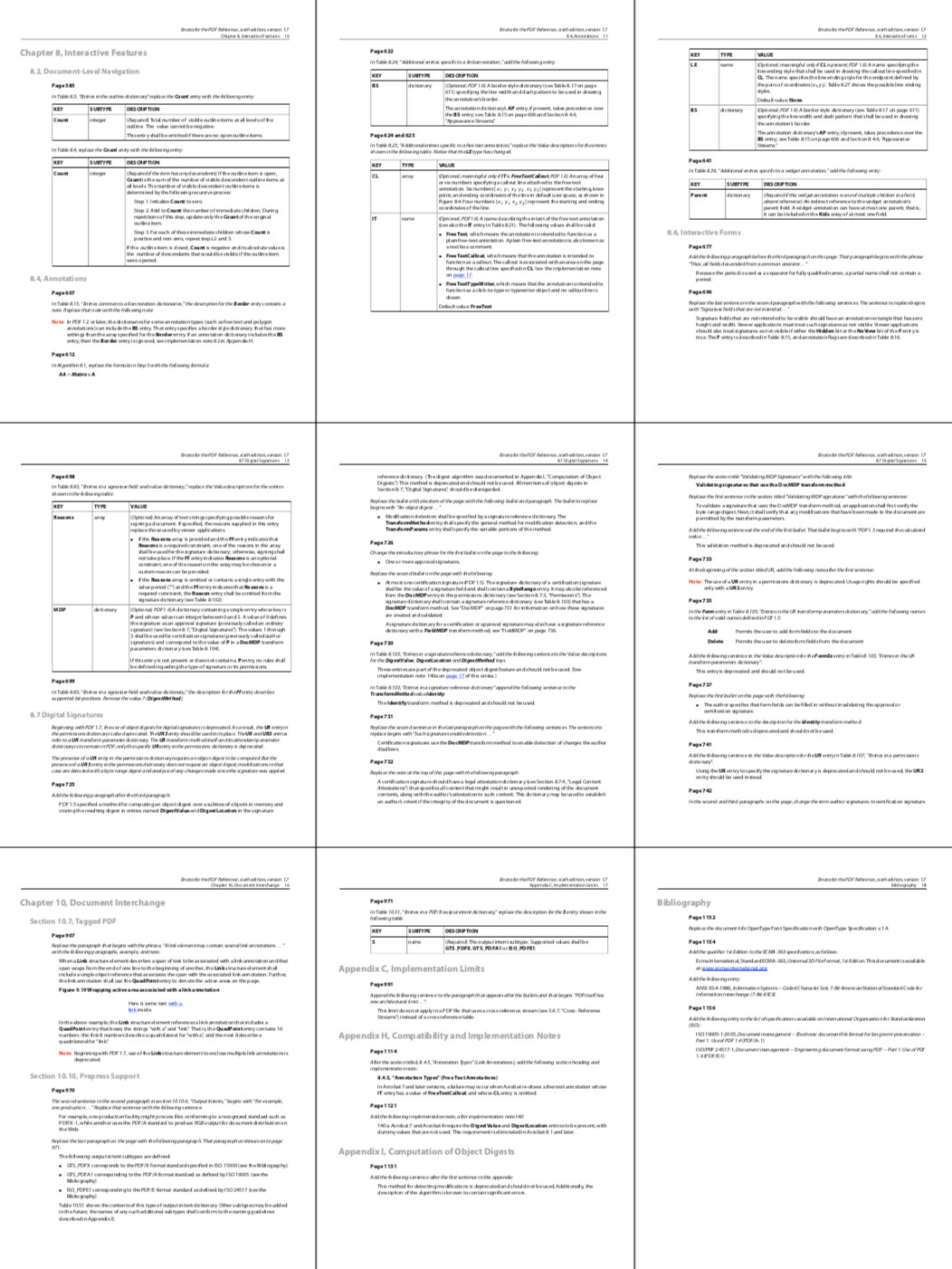
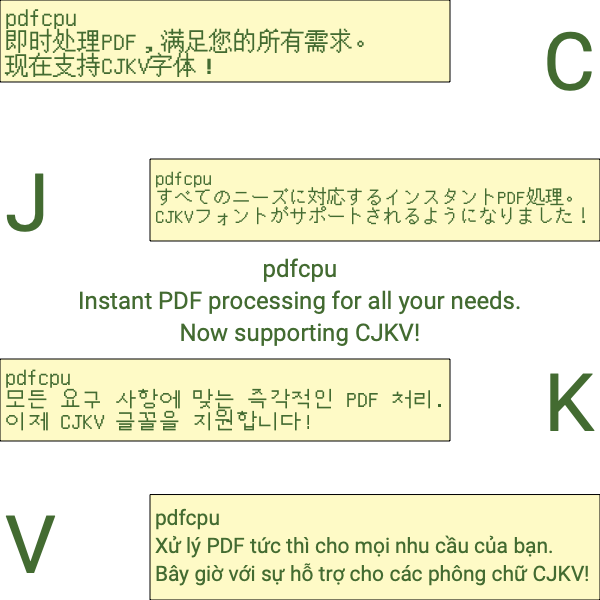
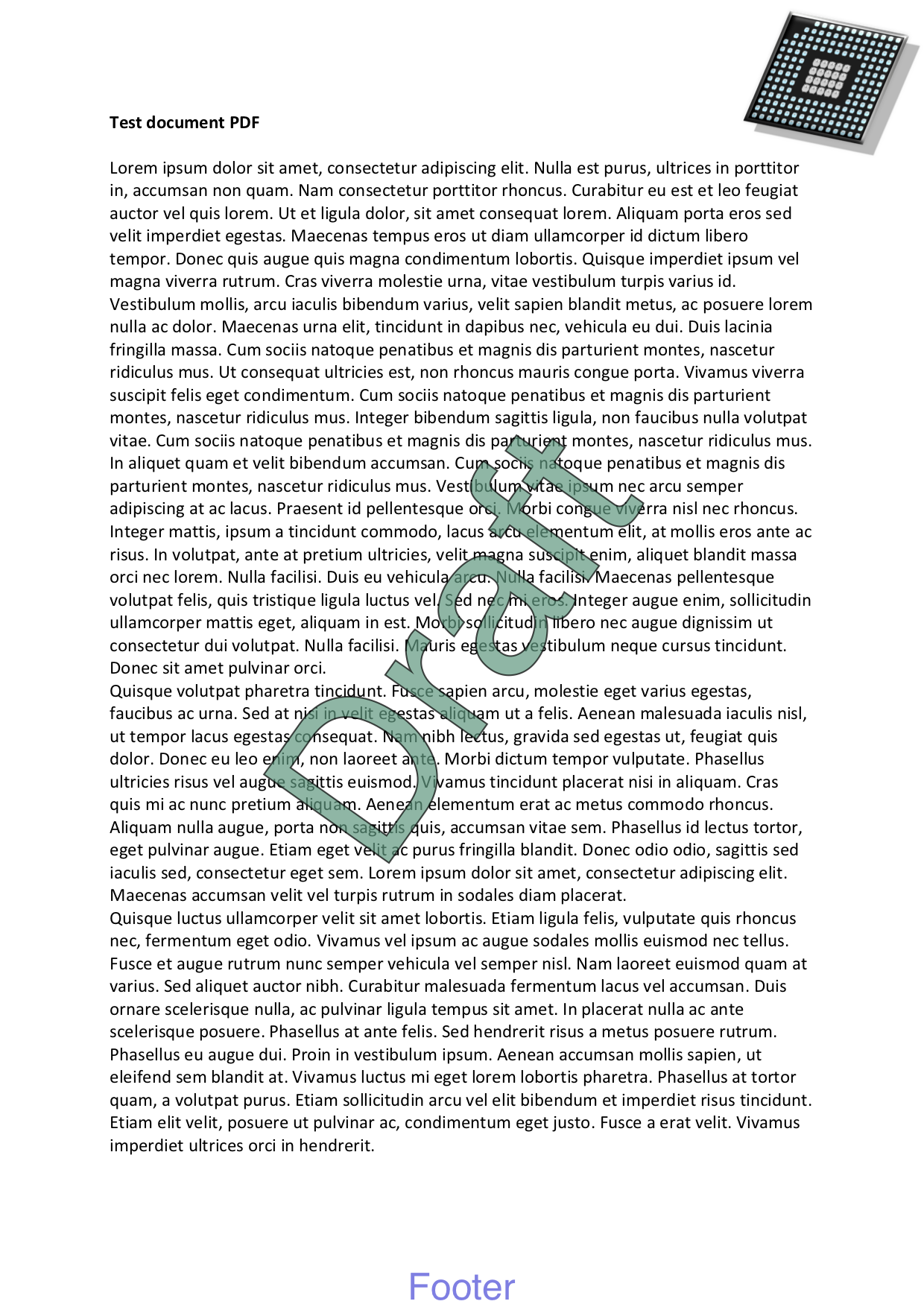
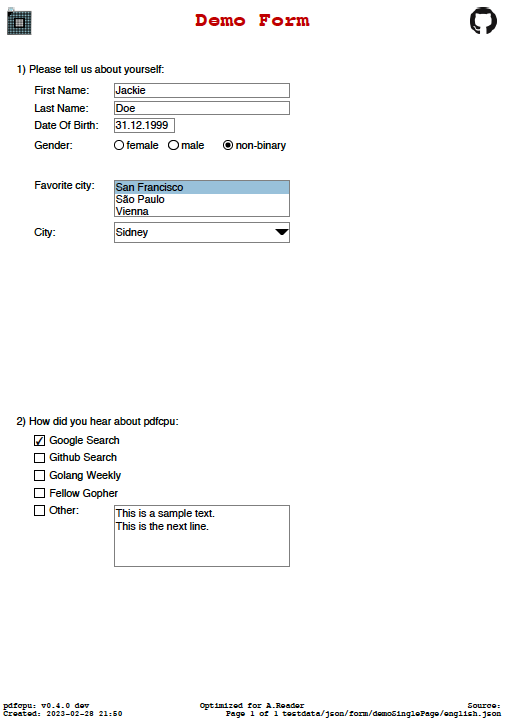

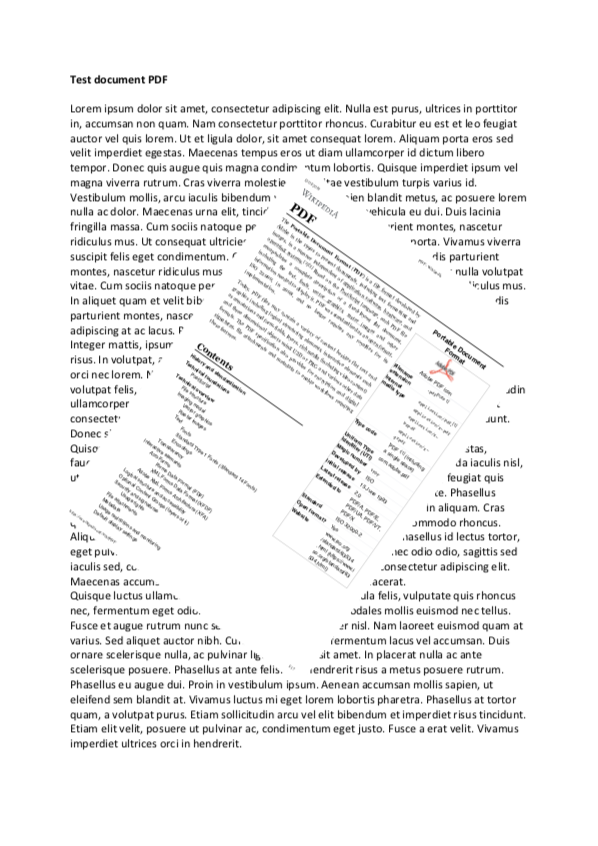
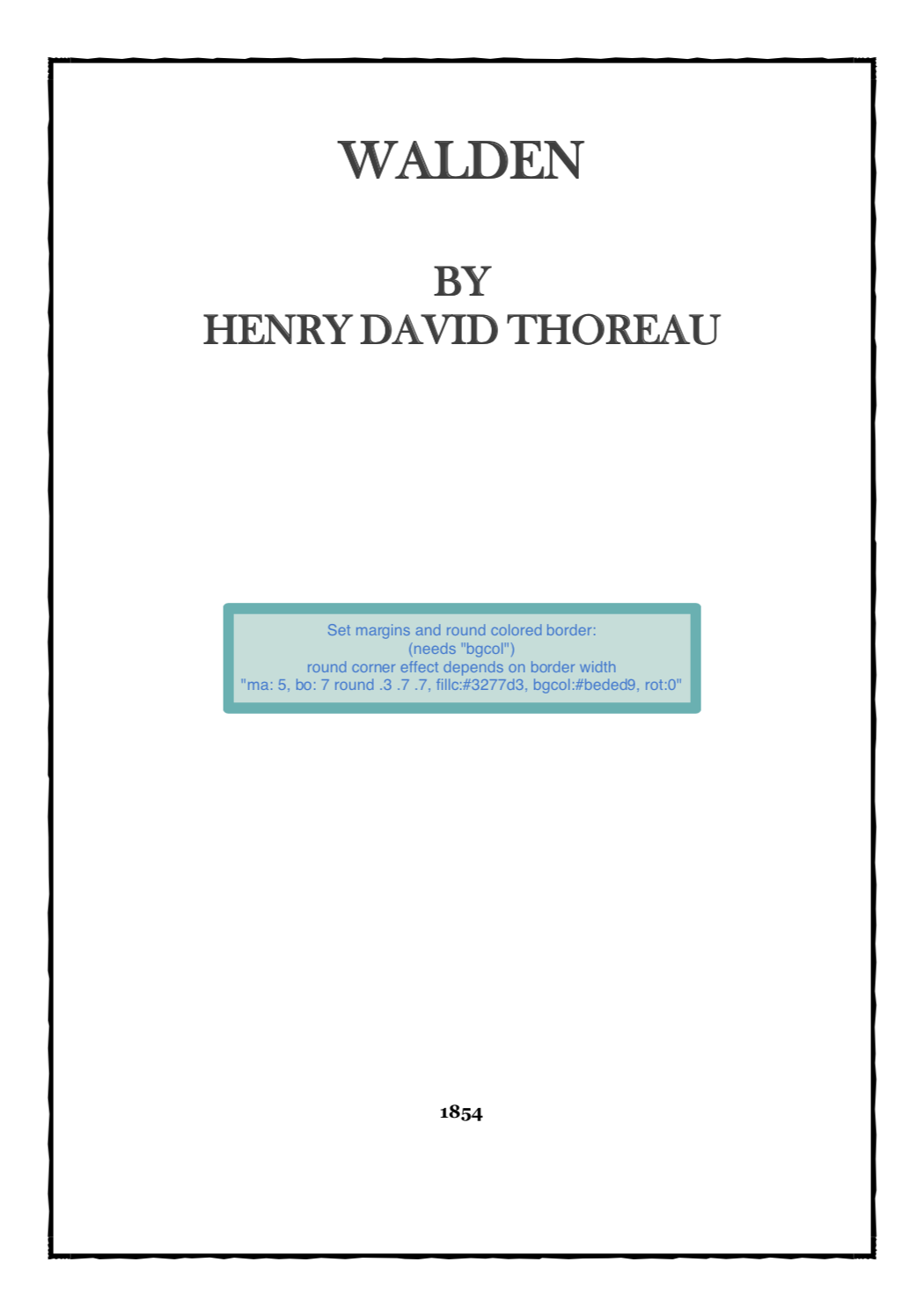

Commands
Complete list of supported commands:
Motivation
pdfcpu aims to provide comprehensive PDF processing capabilities implemented in Go for both individual files and automated batch processing.
It focuses on correctness, robustness and independence from external dependencies.
Focus
- comprehensive PDF processing functionality
- minimal external dependencies
- predictable and stable behavior
Documentation
- Project documentation: https://pdfcpu.io
- Changelog: https://pdfcpu.io/changelog
- Contributing guidelines
- Security policy
CLI
- Command help:
pdfcpu [command] --help
Go API
-
Package documentation: https://pkg.go.dev/github.com/pdfcpu/pdfcpu
-
API documentation: https://pkg.go.dev/github.com/pdfcpu/pdfcpu/pkg/api
-
Examples:
Contributing
Contributions are welcome. See the contributing guidelines and the complete list of contributors.
Reporting PDF issues
For triage, we use Adobe Acrobat Reader and macOS Preview as practical compatibility references.
Reports are especially helpful when a PDF opens in either application but cannot be processed by pdfcpu, as these cases may
reveal opportunities to improve validation or parser compatibility.
If neither application can open the PDF, it is unlikely that pdfcpu will be able to process it reliably.
Start by validating the file:
pdfcpu validate -vv <file.pdf>
Include the command, its verbose output, and a sample PDF with the report.
Please submit only files that you have permission to share and that contain no confidential information or personal data.
Security
Please do not report security vulnerabilities through public GitHub issues.
See the security policy for private reporting instructions.
Code of Conduct
This project is released with a Contributor Code of Conduct. By participating, you agree to abide by its terms.
Disclaimer
Use of pdfcpu assumes compliance with all applicable copyrights for any processed PDF content, including embedded resources such as fonts and images.
Gopher artwork by Renee French
License
Apache License 2.0

Ähnliche Ressourcen

OCRmyPDF
CLIAdds a searchable, copyable text layer to scanned PDFs, with automatic deskew, rotation and size optimization, outputting PDF/A by default. Built on Tesseract, supports 100+ languages and runs fully locally.
ocrmypdf/OCRmyPDF35.1k
PDF
SkillExtracts text and tables from PDFs; merges, splits and rotates pages, adds watermarks, fills forms and OCRs scanned documents. The official Anthropic skill behind Claude's document features; source-available, not open source.
anthropics/skills182k
Claude Office Skills
Skill130+ office skills for contract review, NDAs, job descriptions, offer letters, invoices and expenses, meeting notes, email, and Excel, PowerPoint and PDF work. Writing skills work as-is; Airtable, Slack and other automations need those services. Legal and finance output needs expert review.
claude-office-skills/skills526
Nutrient DWS MCP Server
MCPOfficial MCP from Nutrient (formerly PSPDFKit): merge PDFs, convert between Office and PDF, OCR, watermark, redact personal data, add digital signatures, and extract fields from invoices and contracts. Files are processed in Nutrient's cloud; needs a free account (page-based credits) and Node.js.
PSPDFKit/nutrient-dws-mcp-server71
anydoc
CLIFrom Firecrawl: converts Word, PowerPoint, Excel, PDF, EPUB, RTF and more into clean Markdown locally in milliseconds, keeping headings, tables, footnotes and formulas so agents can read attachments. Needs Node.js; optional Firecrawl cloud OCR for scans uploads the whole file.
firecrawl/anydoc22.9k
pdfplumber
CLIReads the exact position of every character, line and table cell in digital PDFs: the CLI exports layout-preserving text or CSV/JSON details, and the Python API extracts tables and form fields, ideal for invoices, statements and reports. Runs locally with Python; scans need OCR first.
jsvine/pdfplumber10.8k