
flstudio-mcp
MCPLets Claude diagnose mixes and compose in FL Studio: finds clipping and level imbalances and fixes them after you confirm, tweaks EQ, compression and reverb, writes melodies in a key and exports MIDI, with rollback. Needs FL Studio 2025+, Python 3.10+, two virtual MIDI ports; install from source.
flstudio-mcp
Control FL Studio with Claude: AI mixing, composition, and mix diagnosis through natural language.




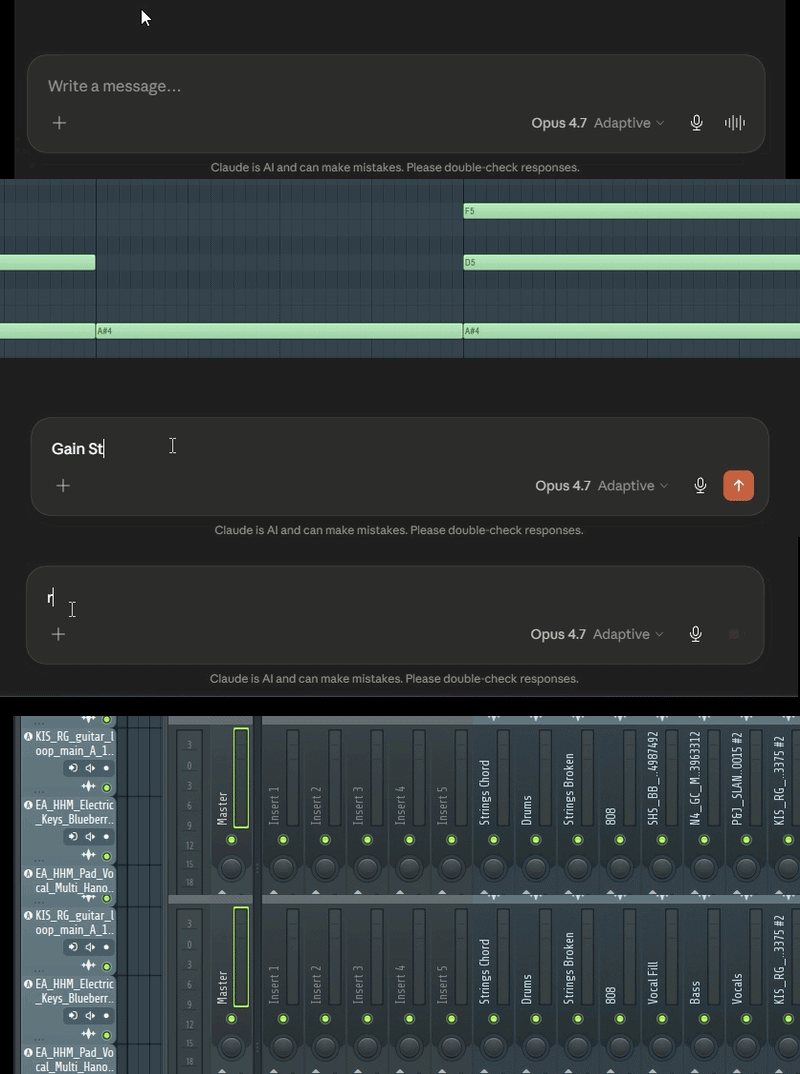
Claude diagnosing and fixing a mix in FL Studio through natural language.
Overview
flstudio-mcp is a Model Context Protocol (MCP) server that lets Claude Desktop drive FL Studio 2025 directly — the mixer, plugins, piano roll, routing, and project — from plain-language requests. Ask for a mix diagnosis, a vocal chain, a chord progression in a particular scale, or a full arrangement, and Claude carries it out through FL's scripting API and a set of calibrated, safety-checked tools.
It is genre- and producer-agnostic: nothing about it assumes a particular style of music.
Quickstart
scripts\install_windows.bat        :: controller + server + note bridge
fl-studio-mcp-daemon               :: start the bridge, keep it running
./scripts/install_macos.sh         # macOS: controller + server + note bridge
fl-studio-mcp-daemon               # start the bridge, keep it running
Wire the two virtual MIDI ports in FL (loopMIDI on Windows, IAC Driver on
macOS), arm MCP_Apply once in the piano roll, then ask Claude in plain
language:
"Scan my mix and tell me what's wrong." — "Set up a vocal chain from my plugins." — "Export this arrangement to MIDI."
Full setup is below.
Capabilities
Mixing & diagnosis
- Mix Doctor — scans the whole mix and reports concrete problems (clipping, low headroom, level imbalance, missing high-pass, ungrouped related tracks, overlapping EQ boosts), each with the exact evidence and a proposed fix. Fixes are applied one at a time, only on approval, through a snapshot → write → readback → rollback safety layer. Master clipping is resolved by trimming the contributing source tracks rather than pulling the master.
- Full-song peak watch — holds a running peak per track across playback, so level decisions are based on the loudest moment of the actual song, not a single instant.
- Calibrated processing intents — musical EQ, compression, reverb, and delay moves mapped to real plugin parameters (native and third-party), each applied as one reversible change.
- Level-aware compression — sets thresholds relative to a track's measured level during playback.
- Gain staging — proposes per-track trims toward a healthy level with proper master headroom.
- Reference match — compares your mix's level and tonal balance against a reference track.
- Bulk track control — solo or mute a whole group (drums, vocals, …) in one step, with a one-call reset.
- Track & channel coloring — color a track, a channel, or a whole group (drums, vocals, …) by color name or hex, reversible like every other change.
Plugin & preset control
- Read and set plugin parameters by name, on native and third-party plugins (the parameter list is resolved live).
- Chain suggestions and preset recommendations drawn from your actual installed library — read directly from FL's plugin database and preset folders on disk, so recommendations are limited to what you own.
Composition
- Multi-track MIDI export — generate a complete arrangement as a standard MIDI file to import.
- Multi-pattern arrangement — create, name, clone, and mark sections.
- Note and chord writing into the piano roll, with quantize to a grid (for new notes and existing ones).
- Composition in any scale or mode — Western modes, pentatonic, ragas, maqam, and beyond — through the scale composer, where Claude supplies the notes for the requested scale.
Audio analysis
- Tempo and key estimation from an audio file.
- Melody-to-MIDI transcription (CREPE pitch tracking, with a lighter fallback).
The server exposes 67 tools across 14 categories, plus 6 live resources (project, mixer, transport, channels, patterns, status) that Claude can read directly.
What sets it apart
flstudio-mcp is built as a mixing and production assistant, not only a note sender. It diagnoses and repairs a whole mix, makes decisions from real measured levels rather than guesswork, and is aware of your actual plugin and preset library when it makes suggestions. Every change that touches the project is shown before it is applied, logged, and reversible.
Limitations
These are properties of FL Studio's scripting API, stated plainly:
- Plugins, audio files, and rendering are UI-only. FL's API cannot load a plugin, load an audio file, or render audio. The plugin and preset tools therefore suggest — you load the chosen plugin or preset, and Claude then configures it. Audio export is done manually (File > Export); Claude can analyze the rendered file afterward.
- Note writing is armed once per session. A generated pyscript writes notes into the piano roll; FL exposes no API to run a pyscript, so you run "MCP_Apply" once from the piano roll's scripting menu at the start of a session.
- Micro-tonal and gamaka-heavy music is approximated. Scales with intervals smaller than a semitone (e.g. Arabic maqam) are rounded to the nearest semitone, and traditions built on gamaka/ornamentation (e.g. Carnatic) get the scale framework — the correct swaras and intervals — not gamaka or micro-tonal rendering. That's a limit of 12-tone MIDI, not of the tools.
Requirements
- Windows 10/11 (tested on Windows 11) or macOS
- FL Studio 2025 or newer
- Claude Desktop (or any MCP client)
- Python 3.10+
- Virtual MIDI ports:
- Windows: loopMIDI (download)
- macOS: the built-in IAC Driver
- Optional: ffmpeg on PATH (for MP3 analysis)
Linux is not yet supported — contributions welcome.
Setup
-
Create two virtual MIDI ports, named exactly
FLStudioMCP RXandFLStudioMCP TX.Windows: create both ports in loopMIDI.
macOS:
- Open Audio MIDI Setup.
- Choose Window > Show MIDI Studio.
- Double-click IAC Driver.
- Enable Device is online.
- Create or rename two ports exactly:
FLStudioMCP RXFLStudioMCP TX
-
Install the controller script and server:
Windows:
git clone https://github.com/rosasynthesiz/flstudio-mcp
cd flstudio-mcp
scripts\install_windows.bat
macOS:
git clone https://github.com/rosasynthesiz/flstudio-mcp
cd flstudio-mcp
chmod +x scripts/install_macos.sh
./scripts/install_macos.sh
This copies the controller script, seeds the note-bridge pyscript (
MCP_Apply), installs the server, and checks that your virtual MIDI ports exist. For audio features, add the optional extras:pip install -e ".[audio]" pip install -e ".[audio,audio-accurate]" -
Configure FL Studio — Options > MIDI Settings:
- Enable
FLStudioMCP RXas an input, set its controller type to FLStudioMCP, and give it a port number. - Enable
FLStudioMCP TXas an output with the same port number. - View > Script output should show
[FLStudioMCP] Ready.
- Enable
-
Start the bridge daemon (recommended) so the MIDI port is held by a stable process:
fl-studio-mcp-daemon -
Register the server with Claude Desktop:
Windows:
%APPDATA%\Claude\claude_desktop_config.jsonmacOS:
~/Library/Application Support/Claude/claude_desktop_config.json{ "mcpServers": { "fl-studio": { "command": "fl-studio-mcp", "env": { "FLSTUDIO_MCP_TRANSPORT": "tcp" } } } }tcproutes through the daemon, which works regardless of how Claude Desktop launches the server. Omit the env var to let the server open the MIDI ports directly instead. -
Arm the note bridge (per session) — open the piano roll and run MCP_Apply once from its scripting menu, so note-writing works.
On macOS, the note bridge re-triggers the armed script with
Cmd+Opt+Y. Grant Accessibility permission to the app running the MCP server or daemon, for example Terminal, iTerm, Claude Desktop, or Cursor: System Settings > Privacy & Security > Accessibility.
Verify the connection by asking Claude to call fl_ping.
Troubleshooting
| Symptom | Fix |
|---|---|
| Virtual MIDI ports not found / not detected | The two ports must be named exactly FLStudioMCP RX and FLStudioMCP TX. Recreate them in loopMIDI (Windows) or IAC Driver (macOS), then re-run the installer. |
No [FLStudioMCP] Ready in FL's Script output | The controller isn't registered: set the FLStudioMCP RX input's Controller type to FLStudioMCP in MIDI Settings, confirm device_FLStudioMCP.py is in Settings\Hardware\FLStudioMCP\, then fully restart FL Studio. |
Claude can't reach FL / fl_ping fails | Make sure the daemon is running (fl-studio-mcp-daemon); check the transport matches (FLSTUDIO_MCP_TRANSPORT=tcp uses the daemon, unset uses direct MIDI); restart Claude Desktop after editing its config. |
| Note-writing does nothing | Run MCP_Apply once from the piano roll's scripting menu this session — it arms the note bridge. |
| macOS note-trigger fails | Grant Accessibility permission to the app running the MCP server or daemon, then click the FL Piano roll and try Cmd+Opt+Y. |
| Audio tools error or are unavailable | Install the optional extras: pip install -e ".[audio]" (or ".[audio,audio-accurate]"). |
Usage examples
Plain-language prompts:
- "Scan my mix and tell me what's wrong."
- "Set up a vocal chain on the lead vocal using my plugins."
- "Suggest a vintage bass preset from my Serum library."
- "Compose an 8-bar melody in D Dorian and write it to the selected channel."
- "Export this arrangement to a MIDI file."
- "What tempo and key is this track?" (on an audio file)
Architecture
A thin controller script runs inside FL Studio and returns only cheap, raw data; all judgement — diagnosis, calibration, planning — happens server-side. A standalone daemon owns the MIDI port so the server works regardless of how the MCP client is launched. Note authoring uses a generated pyscript bridge: the daemon re-triggers the armed MCP_Apply script with the platform run-last-script shortcut after a brief window force-focus. Every project-modifying tool routes through a snapshot → write → readback → rollback safety layer backed by a persisted change log.
Design notes and findings are in docs/.
License
MIT — see LICENSE.
Status & contributing
Beta — the public 1.0 release. Windows and macOS are supported; Linux contributions are welcome. Issues and pull requests: github.com/rosasynthesiz/flstudio-mcp.
Ähnliche Ressourcen

Ableton MCP
MCPConnects agents to Ableton Live for music production: create MIDI and audio tracks, write notes, load instruments and effects, arrange whole songs and control playback. Requires installing the companion Remote Script in Live; anonymous telemetry is on by default.
ahujasid/ableton-mcp3.2k
Ableton MCP Extended
MCPControl Ableton Live in natural language: create tracks, write MIDI notes, load instruments and effects, and adjust device parameters and scenes; add the ElevenLabs MCP (API key needed) to generate vocals. Needs Live 11+, Python 3.10+ and the Remote Script, installed from source.
uisato/ableton-mcp-extended278
REAPER MCP Server
MCPLets agents drive REAPER from arrangement through mixing to mastering: create tracks and buses, write MIDI, load effects, automate, render stems, and analyze loudness, spectrum and clipping. Needs REAPER running, Python 3.10+, and a script run inside REAPER to enable the reapy remote API. Alpha.
bonfire-systems/reaper-mcp157
ReaperMCP
MCPHands REAPER to agents for full music production: composition and MIDI editing, vocal slicing, automatic mixing and mastering in 35 styles, and loudness and silence QC, all running locally with no project upload. Needs REAPER 7+, Python 3.10+, and the repo's Lua script loaded in REAPER.
xDarkzx/Reaper-MCP98
TwelveTake REAPER MCP
MCPLets agents mix, master and compose MIDI in REAPER: set up sidechain compression, parallel compression and mastering chains in one step, quantize and humanize MIDI, with every change undoable in REAPER. Needs REAPER, Python 3.10+ and uv; install the bridge script, then run it in REAPER.
TwelveTake-Studios/reaper-mcp81
MaxMSP-MCP Server
MCPLets agents understand, explain and generate Max/MSP patches: look up official object docs, explain existing patches, and create and connect objects, for sound design and interactive music teaching. Needs Max 9+, Python, uv and npm; install from source and open the companion patch in Max.
tiianhk/MaxMSP-MCP-Server280