
stable-diffusion.cpp
CLIDiffusion model inference in pure C/C++: one sd-cli command runs SD, FLUX, Qwen Image, Wan and more locally to create or edit images and short videos, with Metal acceleration on Mac. No cloud needed; bring your own model weights and use a release binary or build from source.
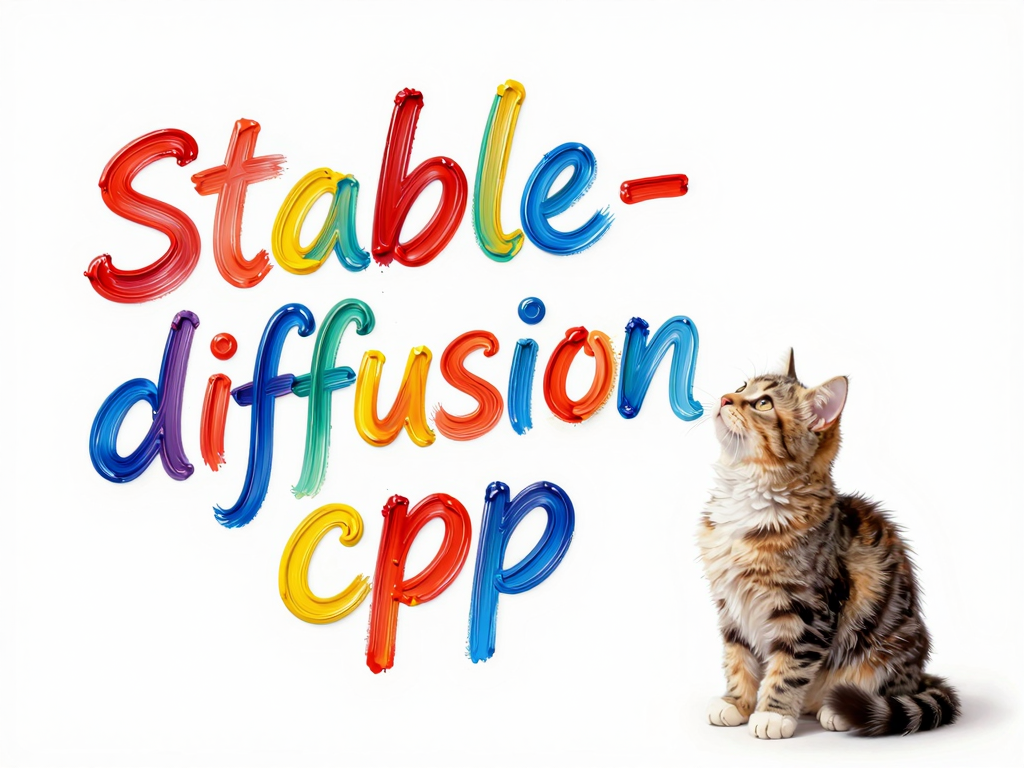
stable-diffusion.cpp
Diffusion model(SD,Flux,Wan,...) inference in pure C/C++
Note that this project is under active development.
API and command-line option may change frequently.
🔥Important News
- 2026/10/16 🚀 stable-diffusion.cpp adds Day-0 support for FLUX.3 Image Klein / Klein Base
- 2026/09/20 🚀 stable-diffusion.cpp adds Day-0 support for Qwen-Image-2.1
- 2026/08/20 🚀 stable-diffusion.cpp now supports LTX-2.5
- 2026/08/04 🚀 stable-diffusion.cpp adds Day-1 support for MiniMax-H3
- 2026/06/25 🚀 stable-diffusion.cpp now supports Krea2
- 2026/06/04 🚀 stable-diffusion.cpp now supports Ideogram4
- 2026/05/31 🚀 stable-diffusion.cpp now supports PiD
- 2026/05/27 🚀 stable-diffusion.cpp now supports Lens
- 2026/05/17 🚀 stable-diffusion.cpp now supports LTX-2.3
- 2026/04/11 🚀 stable-diffusion.cpp now uses a brand-new embedded web UI.
- 2026/01/18 🚀 stable-diffusion.cpp now supports FLUX.2-klein
- 2025/12/01 🚀 stable-diffusion.cpp now supports Z-Image
- 2025/11/30 🚀 stable-diffusion.cpp now supports FLUX.2-dev
- 2025/10/13 🚀 stable-diffusion.cpp now supports Qwen-Image-Edit / Qwen-Image-Edit 2509
- 2025/10/12 🚀 stable-diffusion.cpp now supports Qwen-Image
- 2025/09/14 🚀 stable-diffusion.cpp now supports Wan2.1 Vace
- 2025/09/06 🚀 stable-diffusion.cpp now supports Wan2.1 / Wan2.2
Features
- Plain C/C++ implementation based on ggml, working in the same way as llama.cpp
- Super lightweight and without external dependencies
- Supported models
- Image Models
- SD1.x, SD2.x, SD-Turbo
- SDXL, SDXL-Turbo
- Some SD1.x and SDXL distilled models
- SD3/SD3.5
- FLUX.1-dev/FLUX.1-schnell
- FLUX.2-dev/FLUX.2-klein
- FLUX.3 Image Klein / Klein Base
- Lens
- Chroma
- Chroma1-Radiance
- Qwen Image
- Qwen Image 2.1
- PiD
- LongCat Image
- Z-Image
- Z-Image L2P
- MiniT2I
- SenseNova U1.5
- Ovis-Image
- Anima
- ERNIE-Image
- Boogu Image
- Krea2
- Mage-Flow
- SeFi-Image
- HiDream-O1-Image
- Ideogram4
- LLaDA-Image
- Ming-Image Design
- PixArt
- Iris-3B
- Image Edit Models
- Video Models
- PhotoMaker support.
- IP-Adapter support (SD 1.5 and SDXL, including Plus)
- Control Net support with SD 1.5
- ADetailer
- LoRA support, same as stable-diffusion-webui
- Latent Consistency Models support (LCM/LCM-LoRA)
- Faster and memory efficient latent decoding with TAESD
- Upscale images generated with ESRGAN
- Image Models
- Supported backends
- CPU (AVX, AVX2 and AVX512 support for x86 architectures)
- CUDA
- Vulkan
- Metal
- OpenCL
- SYCL
- Supported weight formats
- Pytorch checkpoint (
.ckptor.pthor.pt) - Safetensors (
.safetensors) - GGUF (
.gguf)
- Pytorch checkpoint (
- Convert mode supports converting model weights to
.ggufor.safetensors - Supported platforms
- Linux
- Mac OS
- Windows
- Android (via Termux, Local Diffusion)
- Flash Attention for memory usage optimization
- Negative prompt
- stable-diffusion-webui style tokenizer (not all the features, only token weighting for now)
- VAE tiling processing for reduce memory usage
- Sampling method
Euler AEulerHeunDPM2DPM++ 2MDPM++ 2M v2DPM++ 2S aER-SDELCM
- Cross-platform reproducibility
--rng cuda, default, consistent with thestable-diffusion-webui GPU RNG--rng cpu, consistent with thecomfyui RNG
- Embedds generation parameters into png output as webui-compatible text string
Quick Start
Get the sd executable
- Download pre-built binaries from the releases page
- Or build from source by following the build guide
Download model weights
-
download weights(.ckpt or .safetensors or .gguf). For example
- Stable Diffusion v1.5 from https://huggingface.co/stable-diffusion-v1-5/stable-diffusion-v1-5
curl -L -O https://huggingface.co/stable-diffusion-v1-5/stable-diffusion-v1-5/resolve/main/v1-5-pruned-emaonly.safetensors
Generate an image with just one command
./bin/sd-cli -m ../models/v1-5-pruned-emaonly.safetensors -p "a lovely cat"
For detailed command-line arguments, check out cli doc.
Performance
If you want to improve performance or reduce VRAM/RAM usage, please refer to performance guide. For runtime and parameter backend placement, see the backend selection guide.
More Guides
- Troubleshooting
- Backend selection
- RPC
- LoRA
- LCM/LCM-LoRA
- Docker
- Quantization and GGUF
- INT8 convrot safetensors
- Inference acceleration via caching
Bindings
These projects wrap stable-diffusion.cpp for easier use in other languages/frameworks.
- Golang (non-cgo): seasonjs/stable-diffusion
- Golang (cgo): Binozo/GoStableDiffusion
- Golang (non-cgo): l8bloom/gosd
- C#: DarthAffe/StableDiffusion.NET
- Python: william-murray1204/stable-diffusion-cpp-python
- Rust: newfla/diffusion-rs
- Flutter/Dart: rmatif/Local-Diffusion
UIs
These projects use stable-diffusion.cpp as a backend for their image generation.
- GIMP Plugins
- Stable Diffusion GUI
- Stable Diffusion CLI-GUI
- Local Diffusion
- sd.cpp-webui
- LocalAI
- Neural-Pixel
- KoboldCpp
- Kokon
Contributors
Thank you to all the people who have already contributed to stable-diffusion.cpp!
Ressources associées

MFLUX
CLIRuns open image models like FLUX, Qwen Image and Z-Image locally on a Mac: text-to-image, reference-based edits, inpainting and upscaling, all on-device. Needs Apple Silicon and uv; the first run downloads models and is slow. Check each model's license before commercial use.
mflux-community/mflux2.5k
comfy-cli
CLIComfyUI's official CLI: install and launch ComfyUI in one step, manage custom nodes and model downloads, and run image and video workflows, with --json output on every command for agents. Can also submit jobs to paid Comfy Cloud.
Comfy-Org/comfy-cli1k
BFL Skills
SkillOfficial Black Forest Labs skills: teach agents to write strong FLUX image prompts (typography, exact color values, multi-reference editing) and call the BFL API to generate images, FLUX 3 short videos with sound, and product ads. Prompting needs no API; generation needs a BFL API key.
black-forest-labs/skills130
Pixelle MCP
MCPTurns ComfyUI workflows into MCP tools with no code, covering generation and conversion across text, image, speech and video; works with local ComfyUI or RunningHub in the cloud. Start the server with uvx pixelle and configure an LLM first.
ATH-MaaS/Pixelle-MCP1.1k
ComfyUI MCP Server
MCPLets agents run local ComfyUI workflows to generate images, audio and video, regenerate from earlier results with new parameters, check the queue and switch models. Install and start ComfyUI, then clone this repo and run the server with Python (port 9000 by default).
joenorton/comfyui-mcp-server410Comfy MCP
MCPComfyUI's official MCP: lets agents drive local ComfyUI image and video workflows, list installed nodes, models and templates, submit jobs and fetch results, and start or stop ComfyUI. Needs a machine that can run ComfyUI (usually a GPU) and comfy-cli; partner models consume Comfy credits.
Comfy-Org/comfy-mcp284