
Tolgee CLI
CLIOfficial CLI for Tolgee, the open-source localization platform: extract strings from code, push keys to Tolgee and pull the latest translations, and diff local files against the platform. Works with Tolgee Cloud or self-hosted; needs Node.js 18+ and a personal or project API key (tolgee login).
Tolgee CLI 🐁
A CLI tool to interact with Tolgee directly from your terminal.
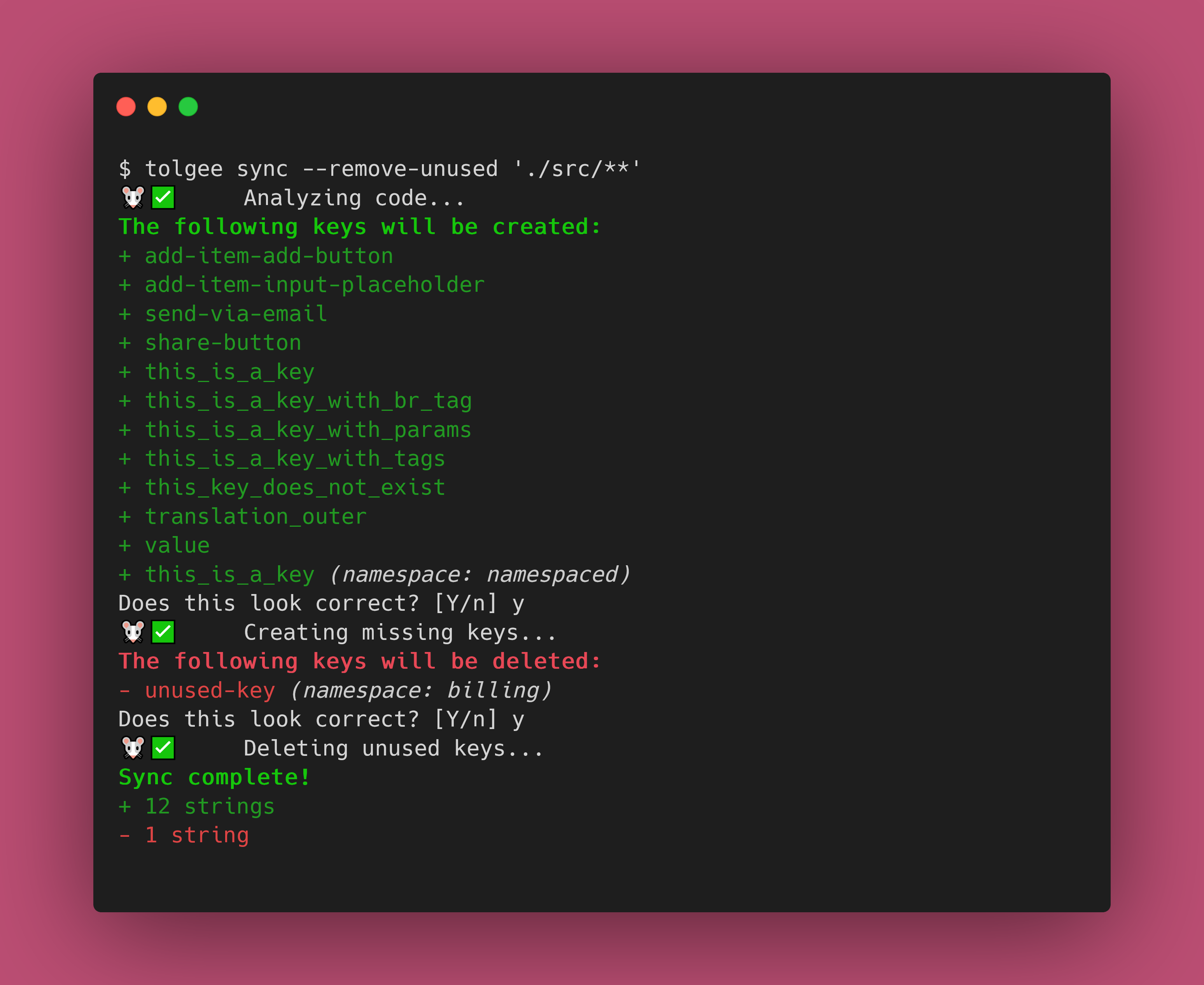
The Tolgee CLI lets you pull strings from the Tolgee platform into your projects, push local strings to the Tolgee platform, extract strings from your code, and much more!
Installation
The Tolgee CLI is published as a NPM package. You simply need to install it, and you're good to go!
# npm
npm i --global @tolgee/cli

# Yarn
yarn global add @tolgee/cli

# pnpm
pnpm add --global @tolgee/cli
See our documentation for more information.
Docker Installation
Alternatively, you can use the Docker image:
# Pull the latest image
docker pull tolgee/cli:latest

# Run directly
docker run --rm tolgee/cli:latest --help

# Create an alias for easier usage
alias tolgee="docker run --rm -v \$(pwd):/workspace -w /workspace tolgee/cli:latest"
The Docker images are available on Docker Hub and support multiple platforms (linux/amd64, linux/arm64).
Usage
Once installed, you'll have access to the tolgee command. Run tolgee help to see all the supported commands, their
options and arguments.
Make sure to give the docs a look!
Authentication
Run tolgee login with no arguments to sign in through your browser — you approve the CLI on a Tolgee consent
screen and no key is generated, copied or pasted. It needs a browser on the same machine as the CLI, since the
sign-in finishes by redirecting to a local address the CLI is listening on. With --no-browser the CLI prints the
URL instead of opening one; the browser you open it in still has to reach this machine.
tolgee login                # browser sign-in
tolgee login <API key>      # a Personal Access Token or Project API Key, as before
tolgee login --list         # what you are signed in as, per instance
tolgee logout               # ends the session on the server too
tolgee logout --project     # drops only the API key stored for one project
If you approve the sign-in for a single project, the CLI takes that project from the approval, so commands need no
--project-id and no projectId in .tolgeerc — the same way a project API key names its own project. Approving
all projects leaves the choice to you, so name the project as before.
On a machine with no browser — CI, a container, an SSH session without port forwarding — use an API key, either
with --api-key or through the TOLGEE_API_KEY environment variable. Browser sign-in refuses outright in CI,
--no-browser included, rather than waiting for an approval that cannot come. If the CI guess is wrong and someone
can approve the sign-in, set TOLGEE_BROWSER_LOGIN_IN_CI=1.
Browser sign-in requires a Tolgee instance running the OAuth authorization server; against one that does not, the CLI says so and points you at API keys.
Contributing
Contributions are welcome! Check out HACKING.md for some information about the project internals and information about the workflow.
🧀
Ressources associées
Tolgee Platform
MCPOpen-source, self-hostable localization platform with a built-in MCP server: agents search keys, create and edit translations, manage languages and run machine translation. Works with Tolgee Cloud or your own instance; create a project API key or personal access token in settings.
tolgee/tolgee-platform4.1k
OpenCC
CLIOpen-source Simplified/Traditional Chinese converter: deterministic dictionary-based conversion (no LLM) covering variant characters and regional vocabulary for mainland China, Taiwan and Hong Kong, with limited Japanese kanji support. Runs offline; CLI plus Node.js and Python APIs.
BYVoid/OpenCC10.1k
Lingo.dev CLI
CLILingo.dev's official CLI: lingo push sends JSON, YAML, Markdown, PO, XLIFF, Android/Xcode strings and other files from your repo to its LLM localization engine, and lingo pull brings translations back; CI-ready. Needs a Lingo.dev account; usage-based pricing with a free sandbox.
lingodotdev/lingo.dev5.4k
Languine
CLIAI localization: deploy the server to your own Vercel account (Postgres and AI Gateway included; enable deployment protection afterwards), then run npx languine@selfhosted translate to translate locale files with LLMs. A GitHub Action can open PRs. Needs a Vercel account and Node.js.
languine-ai/languine2k
General Translation CLI
CLIGeneral Translation's gt CLI: a wizard sets up i18n for React, Next.js and similar apps, then sends UI strings and JSON, YAML or Markdown files for AI translation and writes them back, with CI support. Needs a Node.js project and a General Translation API key (free sign-up, usage-based pricing).
generaltranslation/gt1.1k
attranslate
CLIOffline translation sync for coding agents: hands only new strings in JSON, YAML, PO, CSV and other locale files to the agent for translation and never overwrites human-edited translations, saving tokens. Needs Node.js; calls no translation API itself.
fkirc/attranslate358