
Manim Slides
CLITurns Manim animations into step-through slide decks: mark slide breaks in scene code, render, then present with manim-slides or export to HTML, PDF or PPTX, for math and science classes and talks. Scenes are Python (agents can write them); needs Manim, plus LaTeX for formulas.








Manim Slides
Tool for live presentations using either Manim (community edition) or ManimGL. Manim Slides will automatically detect the one you are using!
[!NOTE] This project extends the work of
manim-presentation, with a lot more features!
Installation
Manim Slides requires either Manim or ManimGL to be installed, along with their dependencies. Please checkout the documentation for detailed install instructions.
Usage
Using Manim Slides is a two-step process:
- Render animations using
Slide(resp.ThreeDSlide) as a base class instead ofScene(resp.ThreeDScene), and add calls toself.next_slide()every time you want to create a new slide. - Run
manim-slideson rendered animations and display them like a PowerPoint presentation.
The documentation is available online.
Basic Example
Call self.next_slide() every time you want to create a pause between
animations, and self.next_slide(loop=True) if you want the next slide to loop
over animations until the user presses continue:
from manim import *  # or: from manimlib import *

from manim_slides import Slide


class BasicExample(Slide):
    def construct(self):
        circle = Circle(radius=3, color=BLUE)
        dot = Dot()

        self.play(GrowFromCenter(circle))
        self.next_slide()  # Waits user to press continue to go to the next slide

        self.next_slide(loop=True)  # Start loop
        self.play(MoveAlongPath(dot, circle), run_time=2, rate_func=linear)
        self.next_slide()  # This will start a new non-looping slide

        self.play(dot.animate.move_to(ORIGIN))
First, render the animation files:
manim-slides render example.py BasicExample
# or use ManimGL
manim-slides render --GL example.py BasicExample
[!NOTE] Using
manim-slides rendermakes sure to use themanim(ormanimlib) library that was installed in the same Python environment. Put simply, this is a wrapper aroundmanim render [ARGS]...(ormanimgl [ARGS]...).
To start the presentation using Scene1, Scene2 and so on, run:
manim-slides [OPTIONS] Scene1 Scene2...
In our example:
manim-slides BasicExample
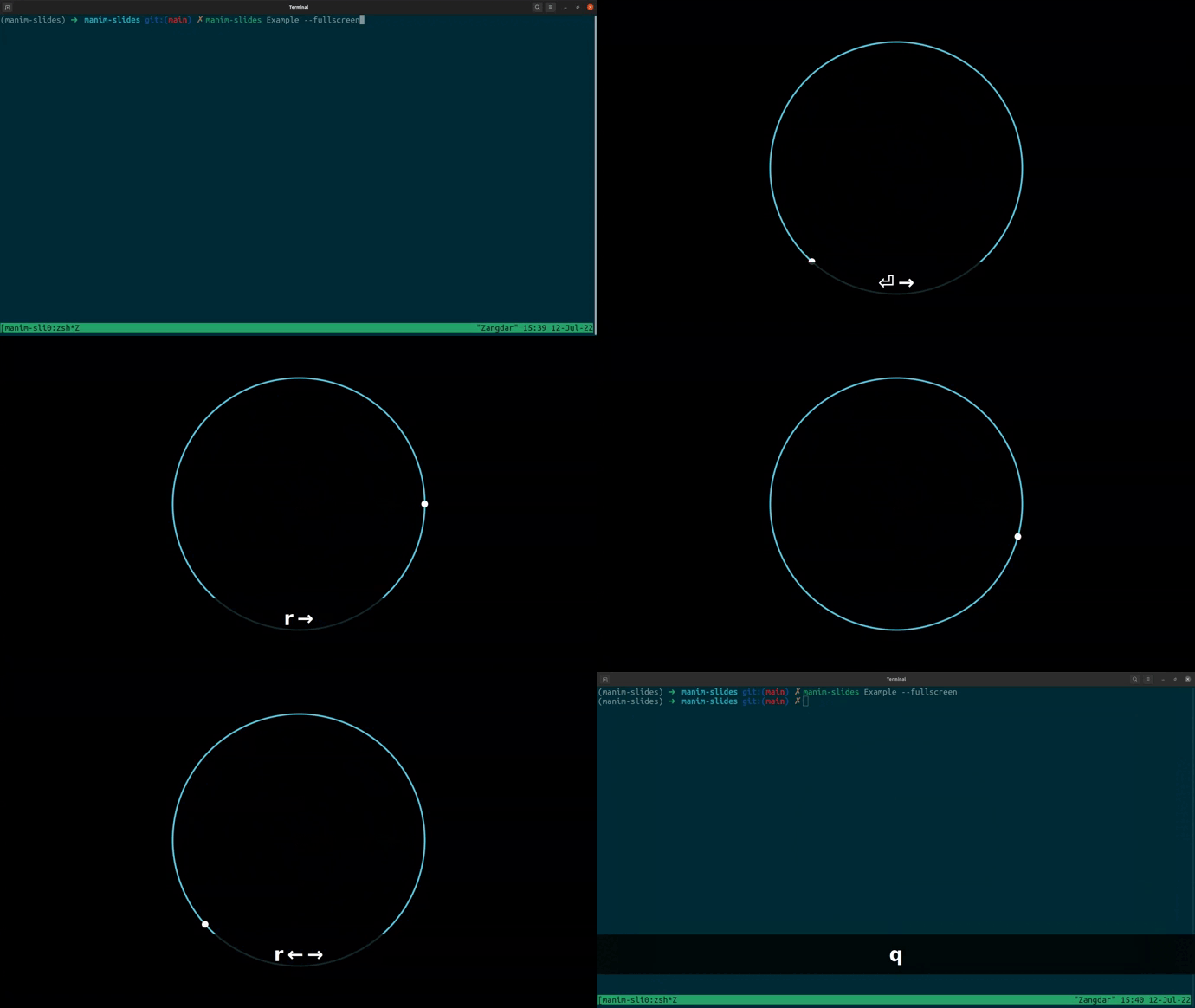
For detailed usage documentation, run manim-slides --help, or go to the
documentation.
Interactive Tutorial
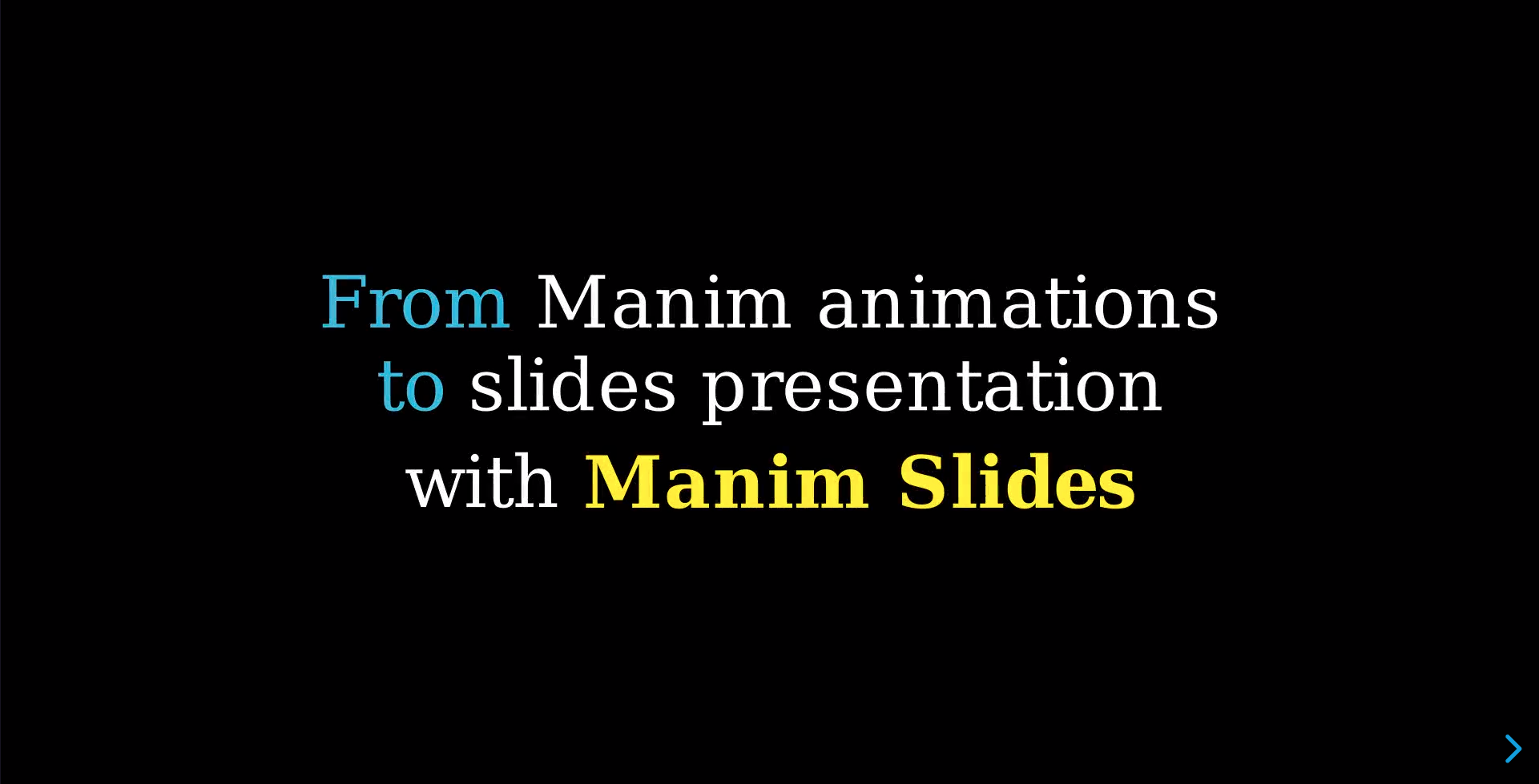
Click on the image to watch a slides presentation that explains to you how to use Manim Slides.
More Examples
More examples are available in the
example.py
file, if you downloaded the git repository.
Comparison with Similar Tools
There exists a variety of tools that allows to create slides presentations containing Manim animations.
Below is a comparison of the most used ones with Manim Slides:
| Project name | Manim Slides | Manim Presentation | Manim Editor | Jupyter Notebooks |
|---|---|---|---|---|
| Link |  |  |  |  |
| Activity |  |  |  |  |
| Usage | Command-line | Command-line | Web Browser | Notebook |
| Note | Requires minimal modif. in scenes files | Requires minimal modif. in scenes files | Requires the usage of sections, and configuration through graphical interface | Relies on nbconvert to create slides from a Notebook |
| Support for ManimGL | Yes | No | No | No |
| Web Browser presentations | Yes | No | Yes | No |
| Offline presentations | Yes, with Qt, RevealJS (any web browser), or PowerPoint | Yes, with OpenCV | No | No |
Citing
If you use this software, please cite it using as:
@article{Jerome_Eertmans_Manim_Slides_A_2023,
	title   = {{Manim Slides: A Python package for presenting Manim content anywhere}},
	author  = {{Jérome Eertmans}},
	year    = 2023,
	month   = aug,
	journal = {Journal of Open Source Education},
	volume  = 6,
	doi     = {10.21105/jose.00206}
}
or by linking this GitHub repository at the end of your presentation.
Other citation formats can be obtained by clicking on the Cite this repository button on this page.
Contributing
Contributions are more than welcome! Please read through our contributing section.
Reporting an Issue
If you think you found a bug, an error in the documentation, or wish there was some feature that is currently missing, we would love to hear from you!
The best way to reach us is via the GitHub issues. If your problem is not covered by an already existing (closed or open) issue, then we suggest you create a new issue. You can choose from a list of templates, or open a blank issue if your issue does not fit one of the proposed topics.
The more precise you are in the description of your problem, the faster we will be able to help you!
Seeking for help
Sometimes, you may have a question about Manim Slides, not necessarily an issue.
First, make sure to read the F.A.Q to see if your question has already been answered. If not, please follow the recommendation (from that page) to reach us for questions.
Contact
Finally, if you do not have any GitHub account, or just wish to contact the author of Manim Slides, you can do so at: jeertmans@icloud.com.
関連リソース

Manim
CLIEngine for math and explainer animations in Python (Community Edition, ManimCE): write scenes and render them to video with the manim command, letting agents create teaching and science animations. On macOS install cairo and pkg-config first; formulas need LaTeX.
ManimCommunity/manim41.6k
Manim Skills
SkillBreaks a rough explanation idea into a scene-by-scene storyboard, then writes animation code following best practices for Manim Community or 3Blue1Brown's ManimGL, for math and physics explainers in class demos and educational videos. Needs Python, FFmpeg and LaTeX installed locally.
adithya-s-k/manim_skill1.2k
notebooklm-py
CLIUnofficial Python library and CLI for driving Google NotebookLM (now Gemini Notebook): bulk-import sources, ask cited questions, and generate and download podcasts, videos, slides, quizzes and flashcards. Ships an agent skill. Relies on undocumented APIs and needs a Google sign-in.
teng-lin/notebooklm-py19.8k
MulmoCast CLI
CLIWrite a script, speakers and visuals in MulmoScript (JSON or YAML) and the mulmo command generates narration and images and assembles a video, podcast, slide deck or PDF, for explainer videos. Needs Node.js, FFmpeg and an OpenAI API key; other providers optional.
receptron/mulmocast-cli475
Web Video Presentation
SkillRewrites an article or script as narration, then builds a click-through 16:9 web presentation you can screen-record into an explainer video, with optional synthesized voiceover. Good for lessons, YouTube tutorials and product walkthroughs. Needs Node.js; voiceover needs a MiniMax or OpenAI key.
ConardLi/garden-skills12.9k
MarsWave Skills (ListenHub)
SkillOfficial ListenHub skills: agents turn a topic, article or link into podcasts, explainer videos and slides, and can also do voiceovers, voice cloning, background music and image generation. Needs a ListenHub account (free credits included) and the listenhub CLI.
marswaveai/skills78