
MCP for Unity
MCPLets agents drive the Unity Editor in plain language: create scenes and GameObjects, edit C# scripts, manage assets, run tests, profile and build. Install the package via Git URL in Unity's Package Manager, then configure your client with one click in the editor. MIT licensed.


Proudly sponsored and maintained by Aura — the AI assistant for Unreal & Unity.
And don't miss Godot AI, the new open source project from the makers of MCP for Unity.
Create your Unity apps with LLMs. MCP for Unity bridges AI assistants — Claude, Codex, VS Code, local LLMs, and more — with your Unity Editor via Model Context Protocol. Give your LLM the tools to manage assets, control scenes, edit scripts, run tests, and automate your game dev workflows.
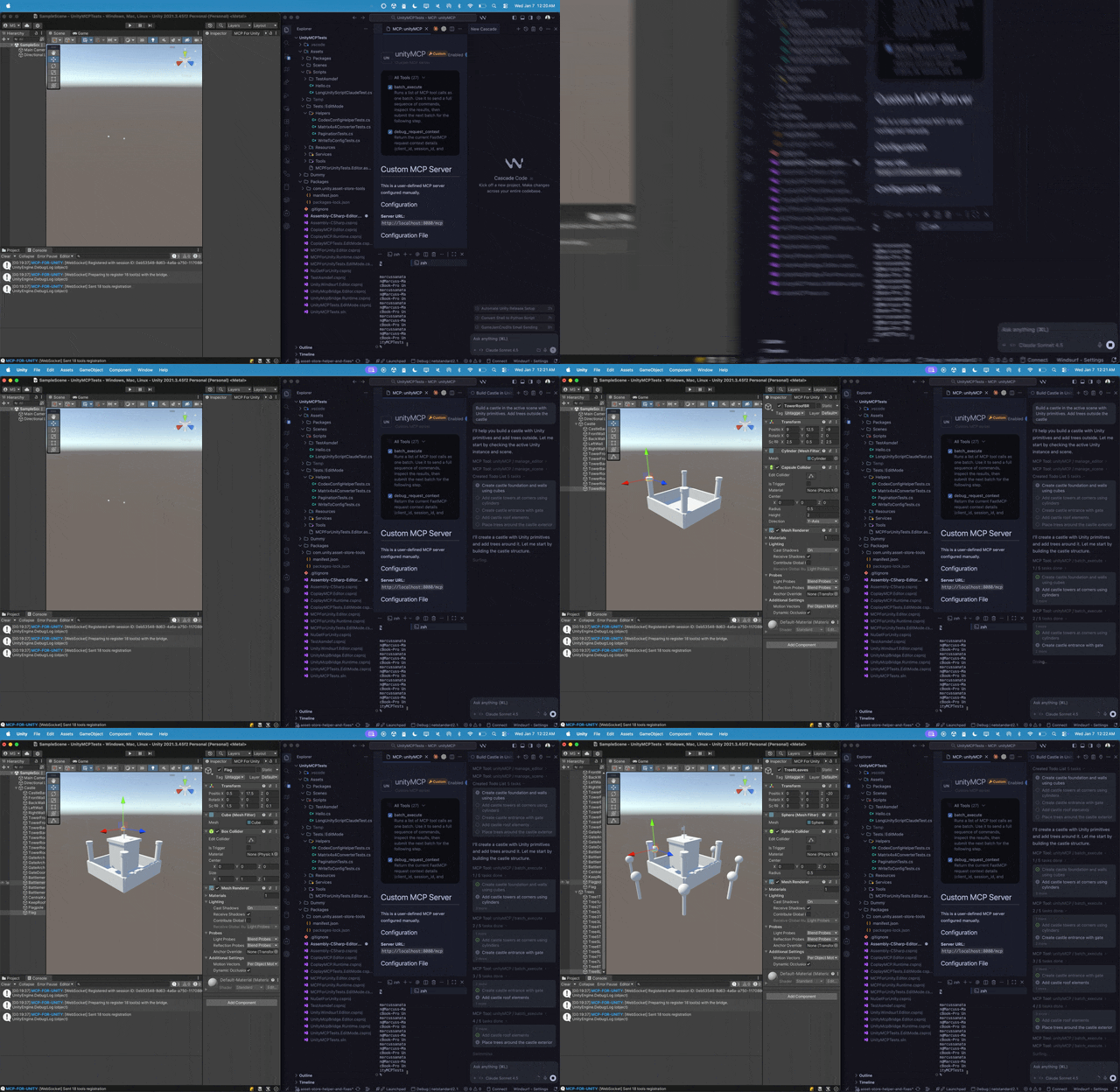
Recent Updates
- v10.3.0 (2026-10-04)
- v10.2.0 (2026-09-01)
- v10.1.2 (2026-08-02)
- v10.1.0 (2026-07-13)
- v10.0.2 (2026-07-13)
Full history: Release Notes.
What it does
Control the Unity Editor in natural language from any MCP client — create scenes & GameObjects, edit C# scripts, manage assets, run tests, profile, and build. 50 focused MCP tool entrypoints, any client, free & MIT.
Browse the full tool catalog →
Quickstart
Requirements: Unity 2021.3 LTS → 6.x · Python 3.10+ (via uv). Works with any MCP client — Claude Desktop & Code, Cursor, VS Code, Windsurf, Cline, Gemini CLI, and more.
- Install — Unity → Package Manager → Add from git URL:
https://github.com/CoplayDev/unity-mcp.git?path=/MCPForUnity#main(pin#v10.0.0for this release, oropenupm add com.coplaydev.unity-mcp) - Configure —
Window → MCP for Unity → Configure All Detected Clients. - Prompt — "Create a cube at the origin and add a Rigidbody." The cube appears in seconds.
Community
- Discord — chat with maintainers and other contributors
- Issues — bugs and feature requests
- Discussions — design ideas and broader questions
- Security: see SECURITY.md for private reporting
Contributing
See CONTRIBUTING.md. Branch off beta, not main. The full dev setup, testing, and release process live in the Contributing docs.
Advanced
- Multiple Unity instances — Multi-Instance Routing
- Tool groups (vfx / animation / ui / testing / etc.) — Tool Groups
- v10 asset generation and upgrade notes — v10 Migration
- Roslyn script validation — Roslyn Validation
- Remote-hosted server with auth — Remote Server Auth
Star History
Citation
If MCP for Unity helped your research, please cite it.
@inproceedings{wu2025mcpunity,
  author    = {Wu, Shutong and Barnett, Justin P.},
  title     = {{MCP-Unity}: {Protocol-Driven} Framework for Interactive {3D} Authoring},
  year      = {2025},
  isbn      = {9798400721366},
  publisher = {Association for Computing Machinery},
  address   = {New York, NY, USA},
  url       = {https://doi.org/10.1145/3757376.3771417},
  doi       = {10.1145/3757376.3771417},
  series    = {SA Technical Communications '25}
}
Unity AI Tools by Aura
Aura offers 2 AI tools for Unity:
- MCP for Unity is available freely under the MIT license.
- Aura for Unity is a premium Unity/Unreal AI assistant built for game devs.
Disclaimer
This project is a free and open-source tool for the Unity Editor, and is not affiliated with Unity Technologies.
License: MIT — see LICENSE.
관련 리소스

Unity Agent Plugin
PluginUnity's official plugin bundling skills for game development, in-app purchases and ad monetization, and performance optimization, and can drive an open editor through the Unity CLI. Supports Unity 6+, installs in Claude Code and Codex; currently in beta.
Unity-Technologies/unity-agent-plugin421
Claude Code Game Studios
SkillProject template that turns Claude Code into a game studio: 49 tiered subagents and 74 skills covering design docs, architecture, sprint planning, balance checks, QA and release, with Godot, Unity and Unreal engine specialists. Clone the repo to use it; Claude Code only.
Donchitos/Claude-Code-Game-Studios26.7k
awesome-gamedev-agent-skills
Skill74 game development skills plus a router skill that detects which of 10 engines your project uses (Godot, Unity, Unreal, Phaser, three.js, Bevy and more) and loads the matching skills, along with art asset and store release workflows. Community-maintained.
gamedev-skills/awesome-gamedev-agent-skills1.5kUnity Skills
SkillUnity's official game development skills: new projects, migrating to URP and post-processing, Tilemaps and sprites, UI Toolkit, in-app purchases, multiplayer services and voice chat, audio optimization and more. Many skills drive an open Unity Editor directly through the Unity CLI.
Unity-Technologies/skills1.1k
Godot MCP
MCPLets agents launch the Godot editor, run projects in debug mode and read console output and errors, plus create scenes, add nodes and manage UIDs (Godot 4.4+). Requires Godot and Node.js installed locally.
Coding-Solo/godot-mcp6.1k
Aseprite MCP Tools
MCPLets agents create pixel art and frame animations in Aseprite: drawing, layers, palettes, dithering, outlines and onion-skin previews, with PNG, GIF and sprite sheet export, for game art and pixel illustration. Needs Aseprite, Python 3.13 and uv; runs from source.
diivi/aseprite-mcp705