
Buzz
CLI基于 Whisper 的离线语音转写与翻译工具,录音不出本机,用 buzz add 命令把讲座、访谈、会议录音导出为 TXT、SRT、VTT,适合老师整理课堂录音、律师整理会见记录。pip 安装需 Python 3.12 和 FFmpeg,另有桌面版;转写结果需人工核对。
[简体中文] <- 点击查看中文页面。
Buzz
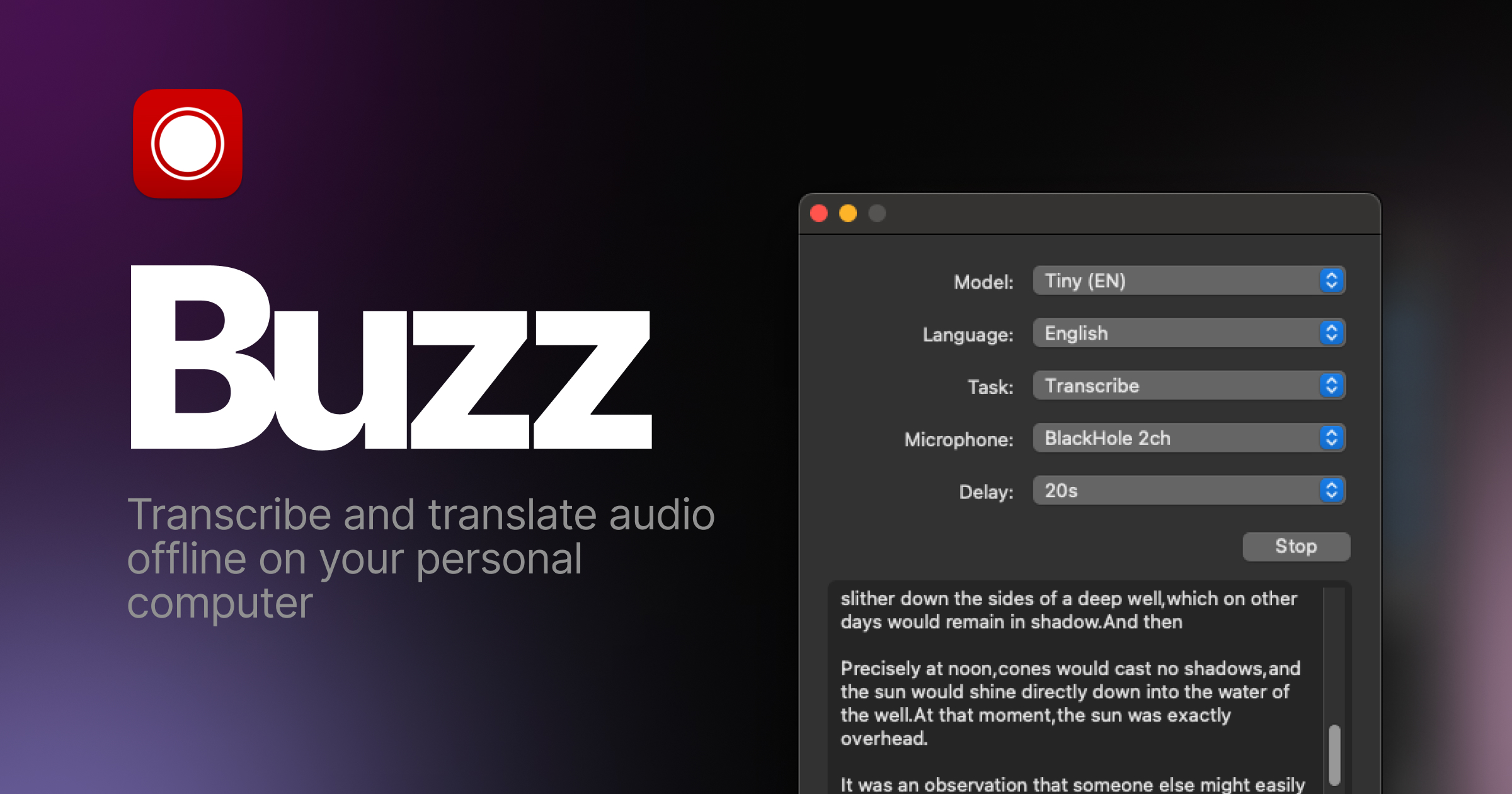
Transcribe and translate audio offline on your personal computer. Powered by OpenAI's Whisper.





Features
- Transcribe audio and video files or Youtube links
- Live realtime audio transcription from microphone
- Presentation window for easy accessibility during events and presentations
- Speech separation before transcription for better accuracy on noisy audio
- Speaker identification in transcribed media
- Multiple whisper backend support
- CUDA acceleration support for Nvidia GPUs
- Apple Silicon support for Macs
- Vulkan acceleration support for Whisper.cpp on most GPUs, including integrated GPUs
- Multiple Transformer model family support via Huggingface whisper type
- Export transcripts to TXT, SRT, and VTT
- Advanced Transcription Viewer with search, playback controls, and speed adjustment
- Keyboard shortcuts for efficient navigation
- Watch folder for automatic transcription of new files
- Command-Line Interface for scripting and automation
- Plugin system with plugins like AI summary generation and automated transcript resizing
Installation
macOS
Download the .dmg from the SourceForge.
Intel Macs: Buzz now requires Apple silicon. The last version to support Intel Macs is 1.4.5.
Windows
Get the installation files from the SourceForge.
App is not signed, you will get a warning when you install it. Select More info -> Run anyway.
Linux
Buzz is available as a Flatpak, Snap or Appimage.
To install flatpak, run:
flatpak install flathub io.github.chidiwilliams.Buzz
To install snap, run:
sudo apt-get install libportaudio2 libcanberra-gtk-module libcanberra-gtk3-module
sudo snap install buzz

PyPI
Install ffmpeg
Ensure you use Python 3.12 environment.
Install Buzz
pip install buzz-captions
python -m buzz
GPU support for PyPI
To have GPU support for Nvidia GPUs on Windows, for PyPI installed version ensure, CUDA support for torch
pip3 install -U torch==2.8.0+cu129 torchaudio==2.8.0+cu129 --index-url https://download.pytorch.org/whl/cu129
pip3 install nvidia-cublas-cu12==12.9.1.4 nvidia-cuda-cupti-cu12==12.9.79 nvidia-cuda-runtime-cu12==12.9.79 --extra-index-url https://pypi.nvidia.com
Latest development version
For info on how to get latest development version with latest features and bug fixes see FAQ.
Nvidia CUDA GPU acceleration
If you are on Buzz version 1.4.6 (once it is released) or later and have a Nvidia GPU, go to Help -> About Buzz and install CUDA Acceleration.
Support Buzz
You can help the Buzz by starring 🌟 the repo and sharing it with your friends.
Screenshots


相关资源

whisper-ctranslate2
CLI本地语音转写工具,与 OpenAI Whisper 命令行兼容但更快更省内存,可输出 SRT / VTT 字幕与文本,支持麦克风实时转写,适合整理课堂录音、访谈与会议。需要 Python,首次运行自动下载模型;区分说话人需另装 pyannote.audio 并提供 Hugging Face Token。
Softcatala/whisper-ctranslate21.4k
WhisperX
CLI基于 faster-whisper 的快速语音转写,提供词级时间戳与说话人分离,适合会议纪要与字幕制作;说话人分离需 Hugging Face Token,GPU 加速需 CUDA。
m-bain/whisperX24.6k
Whisper
CLIOpenAI 官方开源的通用语音识别模型,自带 whisper 命令,可多语种转写、把外语语音翻译成英文并输出字幕文件;需要 FFmpeg,有 GPU 时更快。
openai/whisper111k
whisper.cpp
CLIOpenAI Whisper 语音识别模型的 C/C++ 实现,在本地离线转写音频并输出字幕,CPU 即可运行,支持 Apple Silicon 与多种 GPU 加速;需先下载 ggml 格式模型。
ggml-org/whisper.cpp54.4k
VideoCaptioner
CLI卡卡字幕助手的命令行版:把课程、讲座、访谈视频转成字幕,再用大模型断句校对、翻译并烧录回视频。必剪识别与必应翻译免费可用,大模型优化需自备 API Key,需 Python 3.10–3.12。
WEIFENG2333/VideoCaptioner16.3k
MLX-Audio
CLI在 Apple Silicon Mac 上离线运行的语音工具:命令行把文字合成语音(支持中文与声音克隆)、把录音转写成文字,可为课件和讲解视频配音、整理讲座与访谈录音,数据不出本机。需要 M 系列芯片 Mac 与 Python 3.10+,导出 MP3 需装 ffmpeg,首次运行会下载模型。
Blaizzy/mlx-audio8.1k