
Tolgee CLI
CLI开源本地化平台 Tolgee 的官方命令行:从代码里抽取待翻译文本,把词条推送到 Tolgee、拉回最新译文,并比对本地与平台的差异。可用 Tolgee Cloud 或自建实例,需要 Node.js 18 以上,以及个人访问令牌或项目 API Key(用 tolgee login 保存)。
Tolgee CLI 🐁
A CLI tool to interact with Tolgee directly from your terminal.
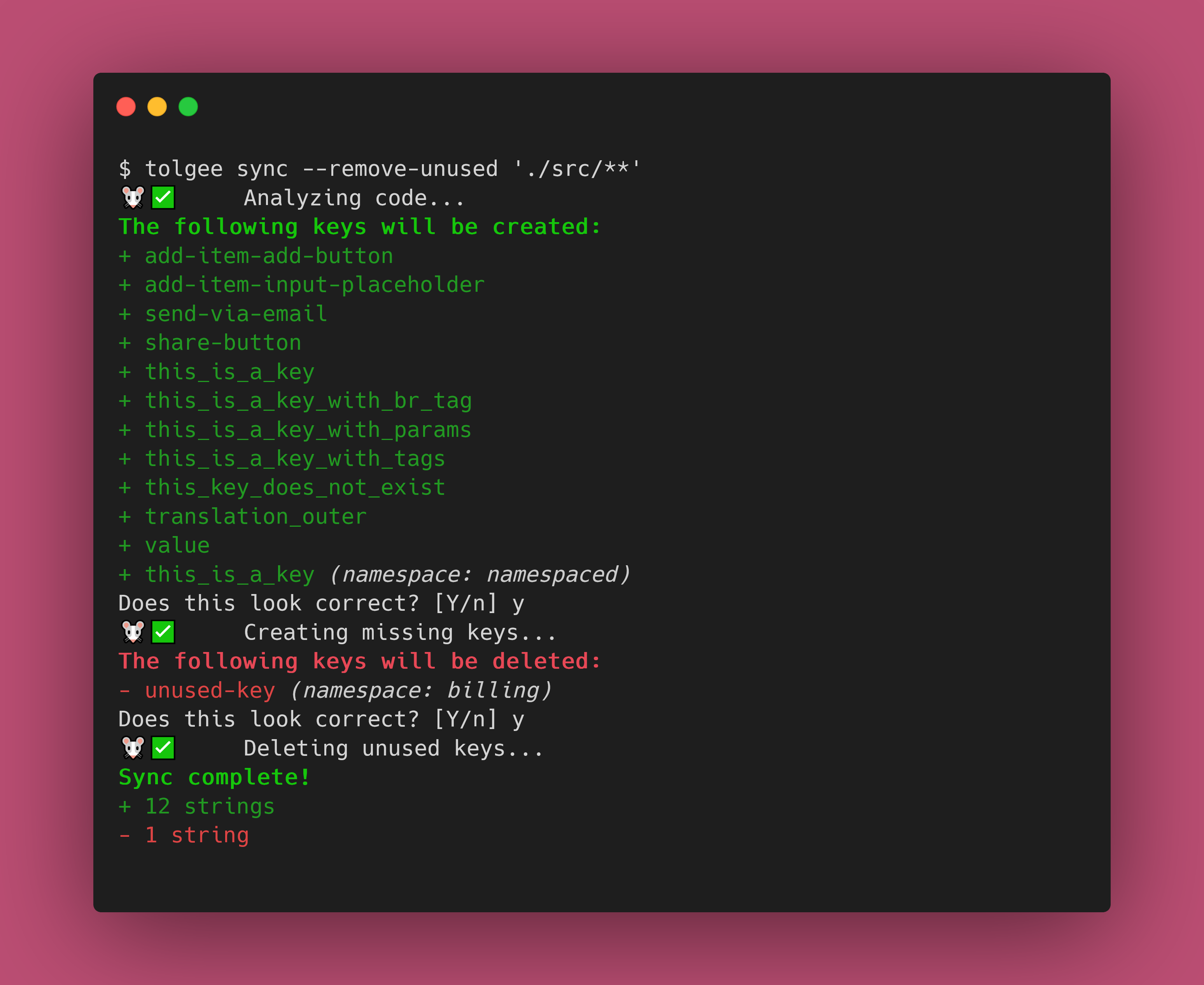
The Tolgee CLI lets you pull strings from the Tolgee platform into your projects, push local strings to the Tolgee platform, extract strings from your code, and much more!
Installation
The Tolgee CLI is published as a NPM package. You simply need to install it, and you're good to go!
# npm
npm i --global @tolgee/cli

# Yarn
yarn global add @tolgee/cli

# pnpm
pnpm add --global @tolgee/cli
See our documentation for more information.
Docker Installation
Alternatively, you can use the Docker image:
# Pull the latest image
docker pull tolgee/cli:latest

# Run directly
docker run --rm tolgee/cli:latest --help

# Create an alias for easier usage
alias tolgee="docker run --rm -v \$(pwd):/workspace -w /workspace tolgee/cli:latest"
The Docker images are available on Docker Hub and support multiple platforms (linux/amd64, linux/arm64).
Usage
Once installed, you'll have access to the tolgee command. Run tolgee help to see all the supported commands, their
options and arguments.
Make sure to give the docs a look!
Authentication
Run tolgee login with no arguments to sign in through your browser — you approve the CLI on a Tolgee consent
screen and no key is generated, copied or pasted. It needs a browser on the same machine as the CLI, since the
sign-in finishes by redirecting to a local address the CLI is listening on. With --no-browser the CLI prints the
URL instead of opening one; the browser you open it in still has to reach this machine.
tolgee login                # browser sign-in
tolgee login <API key>      # a Personal Access Token or Project API Key, as before
tolgee login --list         # what you are signed in as, per instance
tolgee logout               # ends the session on the server too
tolgee logout --project     # drops only the API key stored for one project
If you approve the sign-in for a single project, the CLI takes that project from the approval, so commands need no
--project-id and no projectId in .tolgeerc — the same way a project API key names its own project. Approving
all projects leaves the choice to you, so name the project as before.
On a machine with no browser — CI, a container, an SSH session without port forwarding — use an API key, either
with --api-key or through the TOLGEE_API_KEY environment variable. Browser sign-in refuses outright in CI,
--no-browser included, rather than waiting for an approval that cannot come. If the CI guess is wrong and someone
can approve the sign-in, set TOLGEE_BROWSER_LOGIN_IN_CI=1.
Browser sign-in requires a Tolgee instance running the OAuth authorization server; against one that does not, the CLI says so and points you at API keys.
Contributing
Contributions are welcome! Check out HACKING.md for some information about the project internals and information about the workflow.
🧀
相关资源
Tolgee Platform
MCP开源、可自托管的软件本地化平台 Tolgee,内置 MCP 服务:译者和本地化负责人可以让 agent 搜索词条、新建和修改译文、管理语言、调用机器翻译。可以用 Tolgee Cloud,也可以用自建实例;需要在账号设置里生成项目 API Key 或个人访问令牌。
tolgee/tolgee-platform4.2k
OpenCC
CLI开源的简繁中文转换工具:基于词库做确定性转换(不用大模型),覆盖大陆、台湾、香港的异体字与地区习惯用词,也有限支持日文新旧字体,离线运行;提供 opencc 命令行以及 Node.js、Python 接口。
BYVoid/OpenCC10.1k
Lingo.dev CLI
CLILingo.dev 官方命令行:lingo push 把仓库里的 JSON、YAML、Markdown、PO、XLIFF、Android/Xcode 字符串等文件发给平台上的大模型本地化引擎翻译,lingo pull 取回译文,可接入 CI。需 Lingo.dev 账号,按量计费,有免费沙箱。
lingodotdev/lingo.dev5.4k
Languine
CLIAI 本地化工具:先把服务端一键部署到自己的 Vercel 账号(自动配好 Postgres 与 AI Gateway,部署后需开启部署保护),再在项目里运行 npx languine@selfhosted translate,用大模型把应用的语言文件翻译成多个语种,也提供自动提 PR 的 GitHub Action。需要 Vercel 账号与 Node.js。
languine-ai/languine2k
General Translation CLI
CLIGeneral Translation 的命令行 gt:用向导为 React、Next.js 等项目配置多语言,再把界面文案和 JSON、YAML、Markdown 等内容文件交给平台 AI 翻译并写回项目,可接入 CI。需要 Node.js 项目和 General Translation 账号与 API Key(可免费注册,翻译按用量计费)。
generaltranslation/gt1.1k
attranslate
CLI面向编码 agent 的离线翻译同步工具:只把 JSON、YAML、PO、CSV 等多语言文件里新增的文案交给 agent 翻译,不覆盖人工改过的译文,省 token。适合译员与开发协作维护软件译文;需要 Node.js,本身不调用翻译 API。
fkirc/attranslate357