
ZCF (Zero-Config Code Flow)
CLI零配置一键设置 Claude Code 与 Codex 环境的命令行:用交互式菜单完成安装、导入工作流、配置 API 与 CCR 代理、安装常用 MCP 服务,支持模型服务商预设与中英文双语配置。






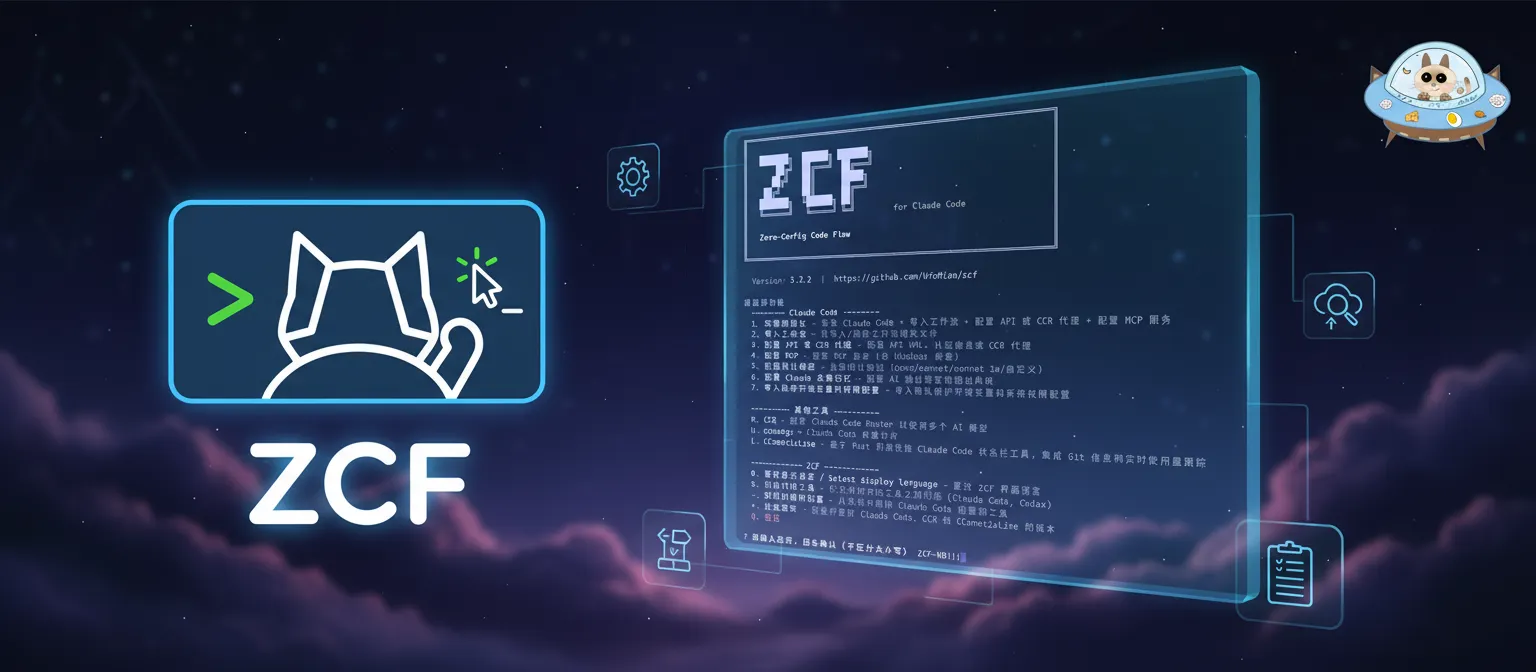
ZCF - Zero-Config Code Flow
English | 中文 | 日本語 | Changelog
✨ Full Documentation: ZCF Docs
One config for all your AI coding tools. ZCF installs the tools you pick and writes each one's own settings.
[!IMPORTANT] This is ZCF v5, a rewrite that is not published yet. Until it is,
npx zcfstill installs v3 (source at thezcf@3.7.3tag), and zcf.ufomiao.com describes v3. To try v5 from source, see Contributing.
🚀 Quick Start
You keep one ZCF config: your provider, your MCP servers and your skills. ZCF installs the tools you pick and writes each tool's own settings with the tool's own commands, such as claude mcp add-json and npx skills add.
Supported tools: Claude Code, Codex, Antigravity CLI, OpenCode, Cursor CLI, Pi and DeepSeek Harness.
Once v5 is published:
npx zcf            # edit the config in the terminal
npx zcf ui         # or in the browser
npx zcf plan       # see every command and a diff of each file ZCF would edit
npx zcf apply -y   # install missing tools and write their settings
npx zcf update     # update the tools with their own updaters
Nothing changes before you apply. ZCF edits only the keys it manages, keeps your comments and formatting, backs up each file before changing it, and never prints your keys. Coming from v3? See Coming from v3.
📖 Full Documentation
- Getting started, Config file, Commands and Agent tools
- Architecture: ADR 002
💬 Community
Join our Telegram group for support, discussions, and updates:

📄 License
🚀 Contributors
⭐️ Star History
If this project helps you, please give me a ⭐️ Star!
相关资源

Rulesync
CLI以 .rulesync 目录下的统一规则文件为源,为 Claude Code、Cursor、Copilot、Codex 等数十种 AI 编程工具生成规则、MCP、命令、子代理、技能与钩子配置,也能导入已有配置或在工具之间直接互转。
dyoshikawa/rulesync1.6k
Claude Code Templates
CLI用一条 npx 命令为 Claude Code 安装现成的子代理、斜杠命令、钩子、MCP 配置与技能,配套 aitmpl.com 在线浏览;另带会话分析、健康检查等辅助工具。
davila7/claude-code-templates34k
ccusage
CLI从本地日志统计 Claude Code、Codex、Gemini CLI 等编码 agent 的 token 用量与费用,按日、周、月或会话出报表,还能查看 Claude Code 的 5 小时计费窗口。
ccusage/ccusage19.5k
CodeBurn
CLI读取本地会话文件,按项目、模型、任务和分支统计 Claude Code、Codex、Cursor 等数十种编码 agent 的 token 用量与费用,无需注册;另有配置优化建议、额度查询和花费上限钩子。需要 Node.js 22.13+。
getagentseal/codeburn11.9k
mgrep
CLIMixedbread 官方出品的语义 grep:用自然语言检索代码、文本、PDF 和图片,可一键接入 Claude Code、Codex 等编码 agent,减少 token 消耗。需要登录 Mixedbread 账号,文件会同步到它的云端索引。
mixedbread-ai/mgrep4.4k
Ponytail
Plugin「最懒资深工程师」模式:动手前依次判断是否需要、能否复用现有代码、标准库或平台原生能力能否解决,只写最少的必要代码,但不删校验、错误处理与安全逻辑。支持 Claude Code 与 Codex,常驻激活的钩子需要本机 Node.js。
DietrichGebert/ponytail195k