
Claude Code
CLIAnthropic 官方终端编码 Agent:读懂代码库、修改代码、执行命令、处理 git 流程,支持插件、MCP 与无头模式(claude -p)。需要登录 Claude 账号或配置 API Key。
Claude Code


Claude Code is an agentic coding tool that lives in your terminal, understands your codebase, and helps you code faster by executing routine tasks, explaining complex code, and handling git workflows -- all through natural language commands. Use it in your terminal, IDE, or tag @claude on Github.
Learn more in the official documentation.
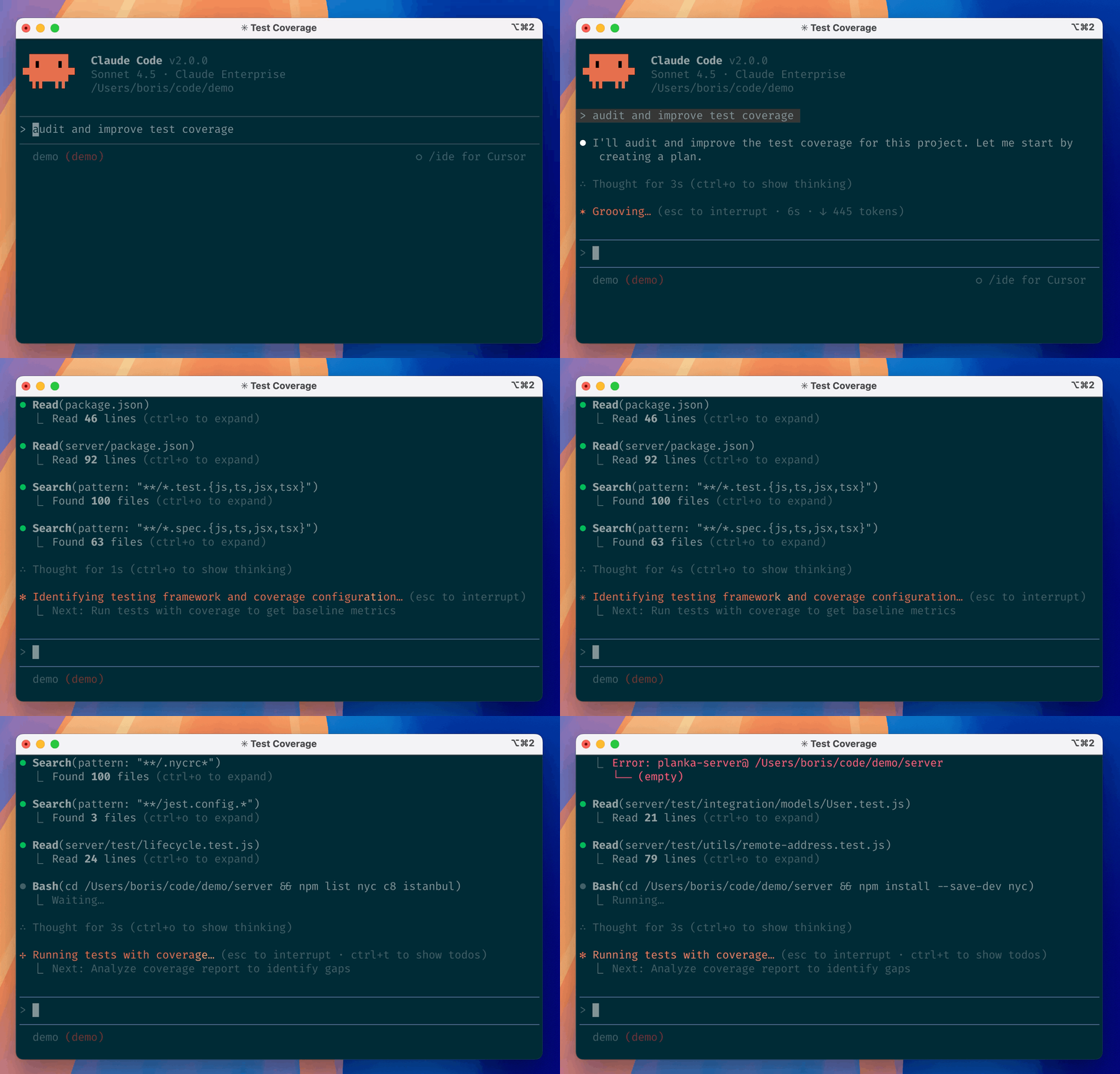
Get started
[!NOTE] Installation via npm is deprecated. Use one of the recommended methods below.
For more installation options, uninstall steps, and troubleshooting, see the setup documentation.
-
Install Claude Code:
MacOS/Linux (Recommended):
curl -fsSL https://claude.ai/install.sh | bashHomebrew (MacOS/Linux):
brew install --cask claude-codeWindows (Recommended):
irm https://claude.ai/install.ps1 | iexWinGet (Windows):
winget install Anthropic.ClaudeCodeNPM (Deprecated):
npm install -g @anthropic-ai/claude-code -
Navigate to your project directory and run
claude.
Plugins
This repository includes several Claude Code plugins that extend functionality with custom commands and agents. See the plugins directory for detailed documentation on available plugins.
Reporting Bugs
We welcome your feedback. Use the /bug command to report issues directly within Claude Code, or file a GitHub issue.
Connect on Discord
Join the Claude Developers Discord to connect with other developers using Claude Code. Get help, share feedback, and discuss your projects with the community.
Data collection, usage, and retention
When you use Claude Code, we collect feedback, which includes usage data (such as code acceptance or rejections), associated conversation data, and user feedback submitted via the /bug command.
How we use your data
See our data usage policies.
Privacy safeguards
We have implemented several safeguards to protect your data, including limited retention periods for sensitive information, restricted access to user session data, and clear policies against using feedback for model training.
For full details, please review our Commercial Terms of Service and Privacy Policy.
相關資源
Feature Dev
Plugin七阶段功能开发流程:澄清需求、用并行子代理探索代码库、设计架构、实现,最后做质量评审,用 /feature-dev 启动。Anthropic 官方插件。
anthropics/claude-code151kCode Review
Plugin用多个并行子代理评审 PR,逐条按置信度打分、过滤误报,可把结果发成 PR 评论。Anthropic 官方插件,需要已登录的 GitHub CLI。
anthropics/claude-code151kPR Review Toolkit
Plugin六个专项评审子代理,分别检查注释准确性、测试覆盖、静默失败、类型设计、代码规范与可简化之处,可单独调用或一次跑全。Anthropic 官方插件。
anthropics/claude-code151k
Cline CLI
CLICline 官方命令行版,与 VS Code 插件共用 Agent 核心,支持 plan/act 模式、MCP、检查点与子代理;--yolo、--json 可无人值守跑在 CI 与脚本里。可登录 Cline、ChatGPT 订阅或自带 API Key。
cline/cline70.4k
GitHub CLI
CLIGitHub 官方命令行:在终端里管理 PR、Issue、Release 与 Actions 工作流,多数命令支持 --json 输出便于 agent 解析,并提供官方 agent skill。需先 gh auth login 登录。
cli/cli46.7kCode Simplifier
Plugin在不改变行为的前提下精简、规整最近改动的代码:减少嵌套与冗余、改善命名,并遵循 CLAUDE.md 里的项目规范。Anthropic 官方插件。
anthropics/claude-plugins-official40.2k