
pdfcpu
CLI纯 Go 编写、几乎无外部依赖的 PDF 命令行:合并、拆分、裁剪、旋转、加水印、加解密、提取图片与字体、处理表单等数十个子命令。
pdfcpu: PDF tooling for Go and the command line





pdfcpu is a PDF processing library and command-line tool written in Go. It supports validation, optimization, encryption, signing, document assembly, content extraction, and other common PDF operations.
pdfcpu supports PDF versions through PDF 2.0 (ISO 32000-2). PDF 2.0 validation support is basic and continuously improving.
 Horst Rutter, the maintainer of pdfcpu, is a member of the PDF Association.
Installation
| Command-line interface | Go API |
|---|---|
| CLI Installation instructions | API Installation instructions |
Usage
CLI
Validate a PDF:
pdfcpu validate input.pdf
Merge two PDFs:
pdfcpu merge merged.pdf in1.pdf in2.pdf
Go API
See API documentation for usage examples.
Features
- Validate, optimize, split, trim, and merge PDFs
- Extract and manipulate images, fonts, and metadata
- Encrypt and decrypt PDFs
- Resize and rotate pages
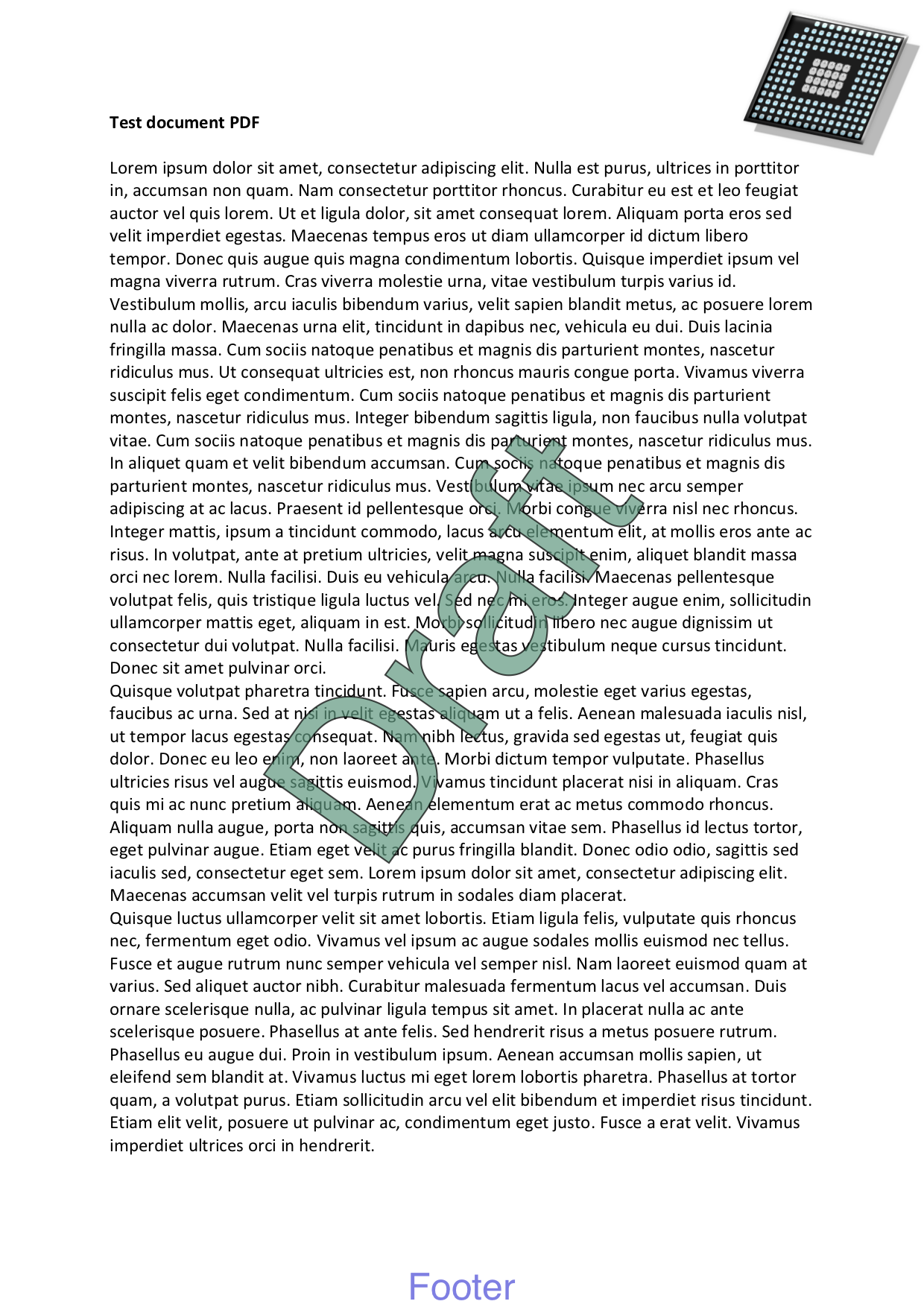
- Add and remove stamps and watermarks
- Validate signature integrity, report signature evidence, and remove signatures
- Manage attachments and portfolios
Examples
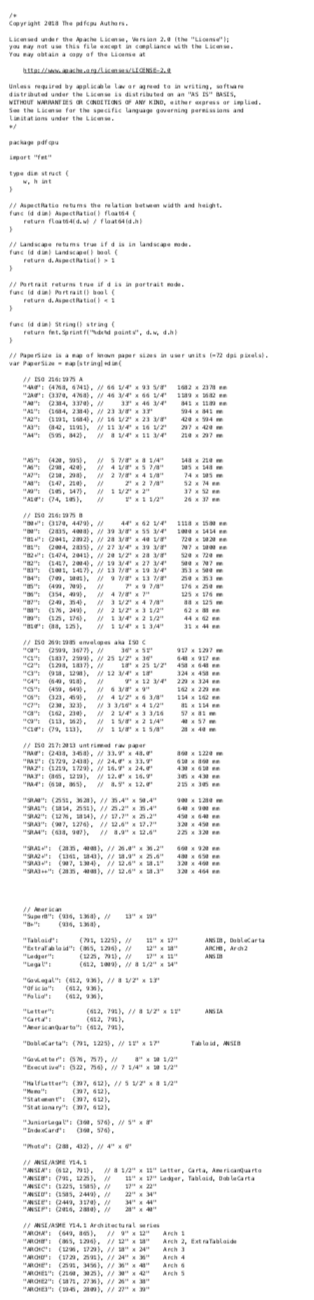
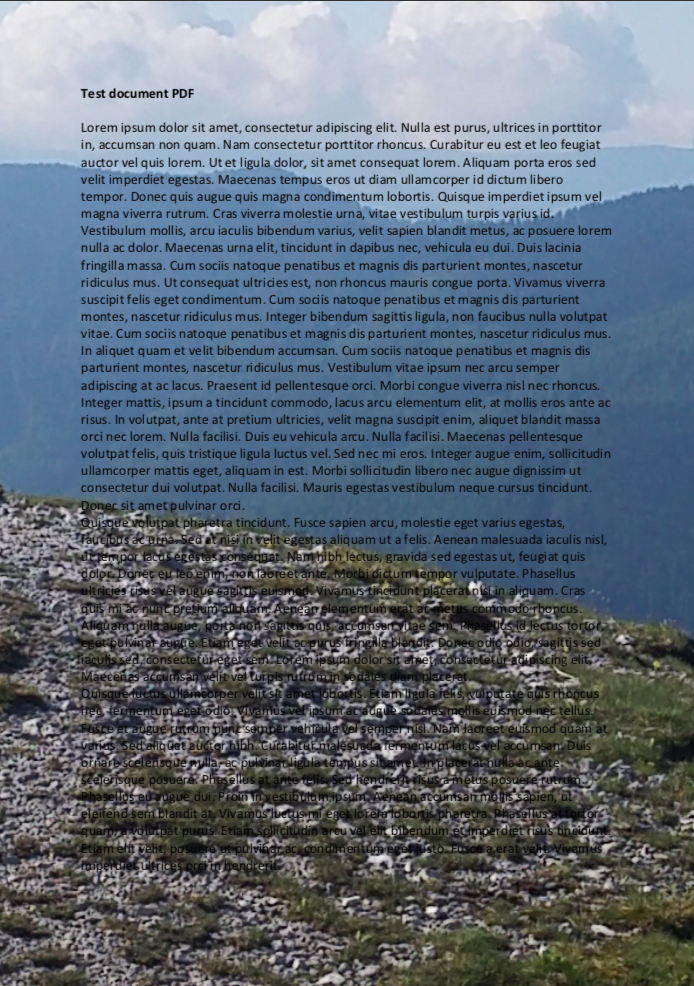
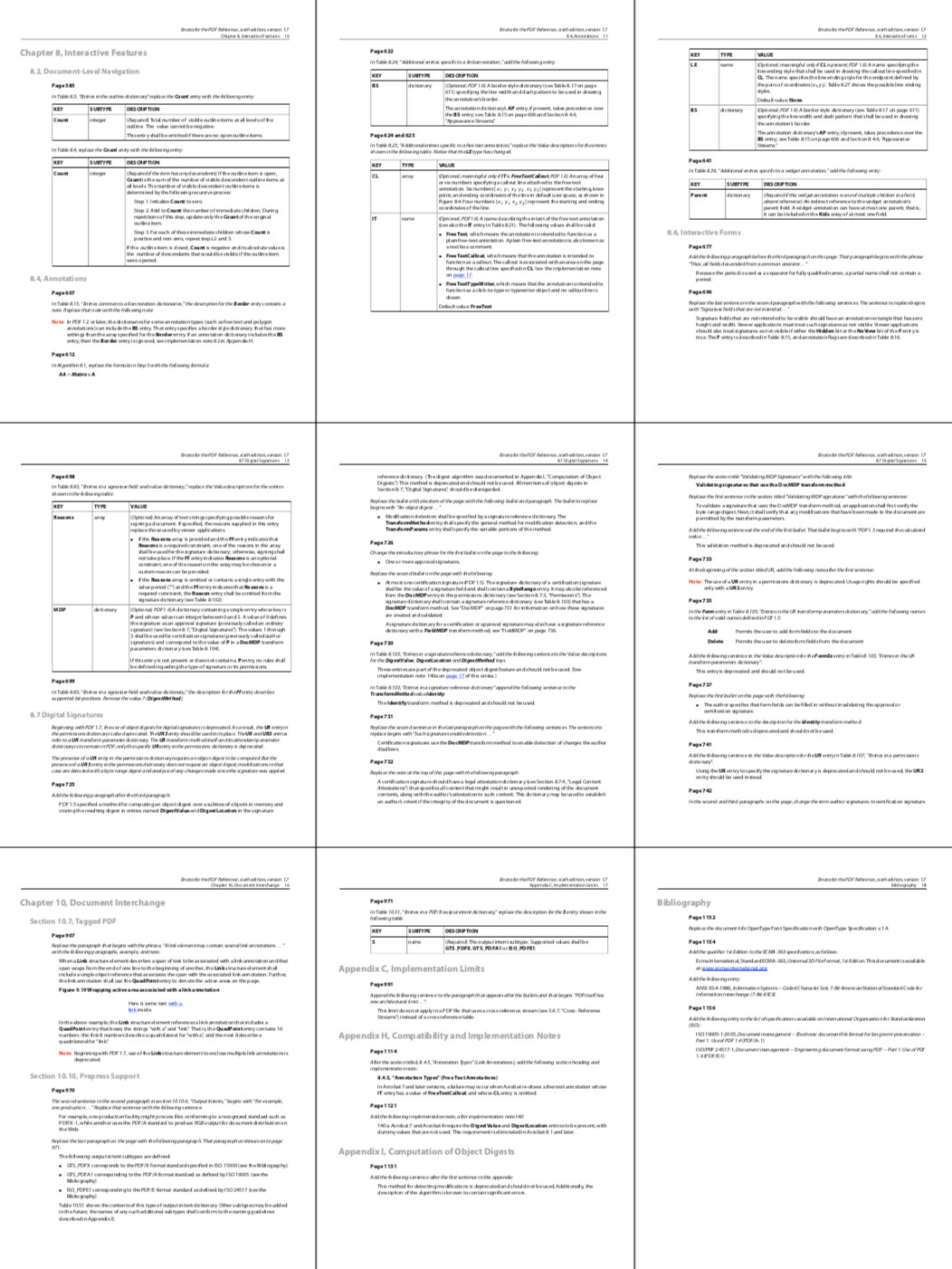
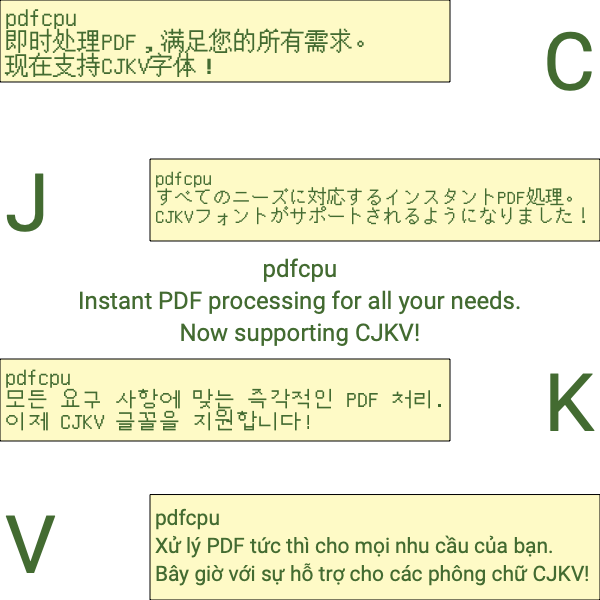
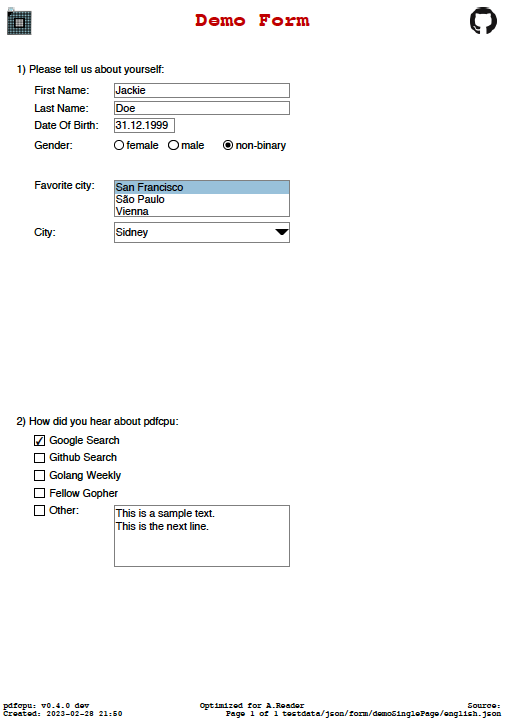
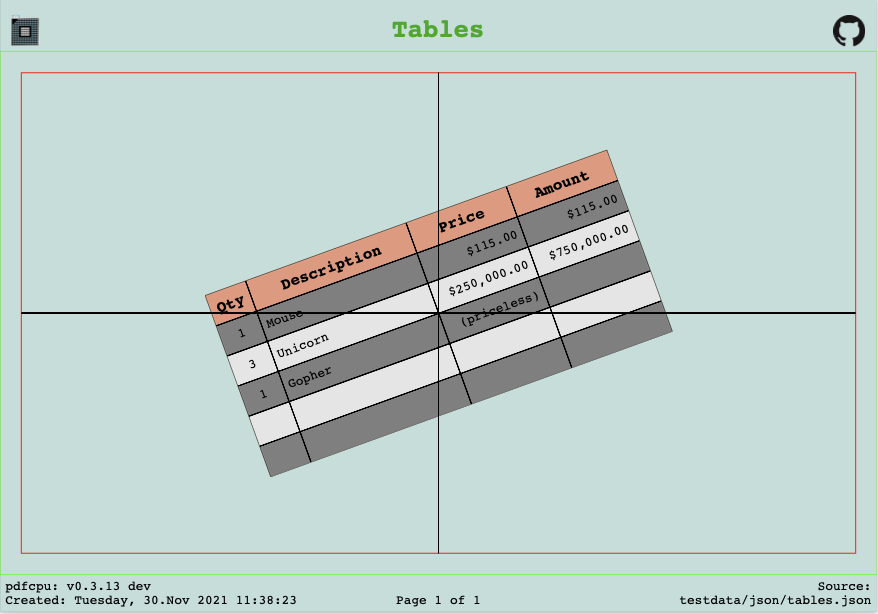
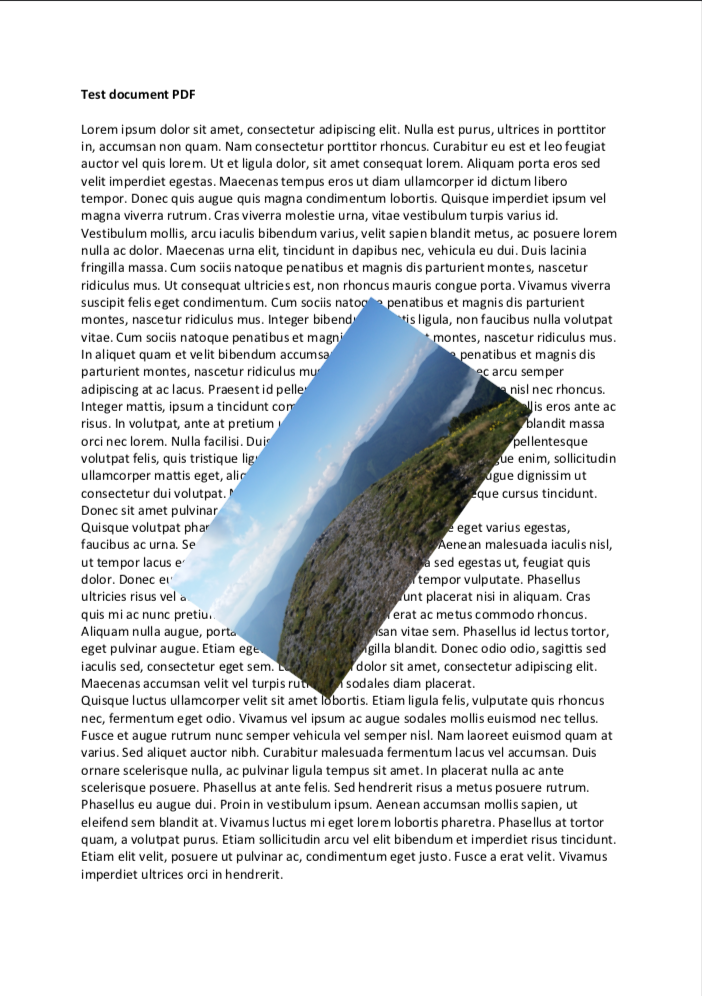
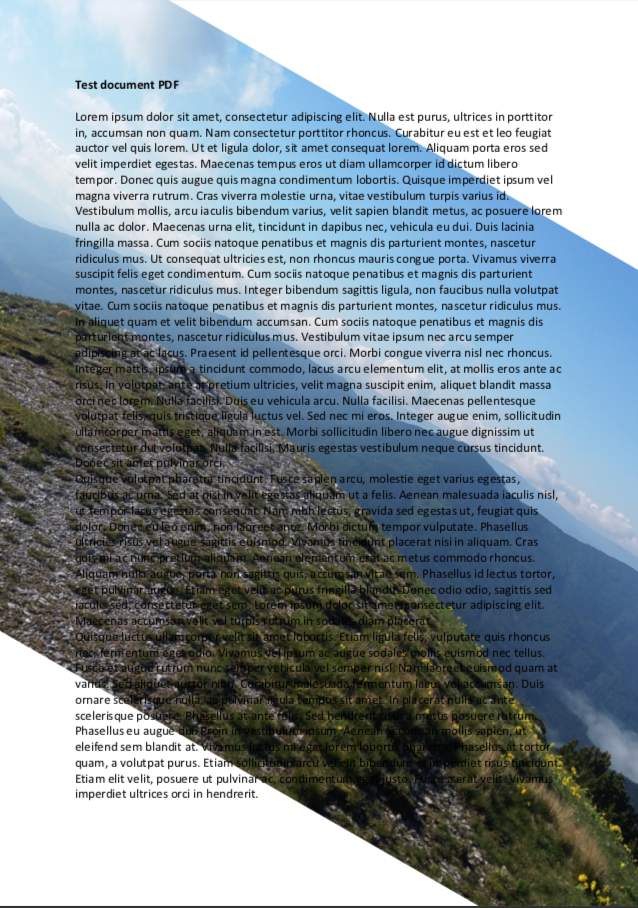
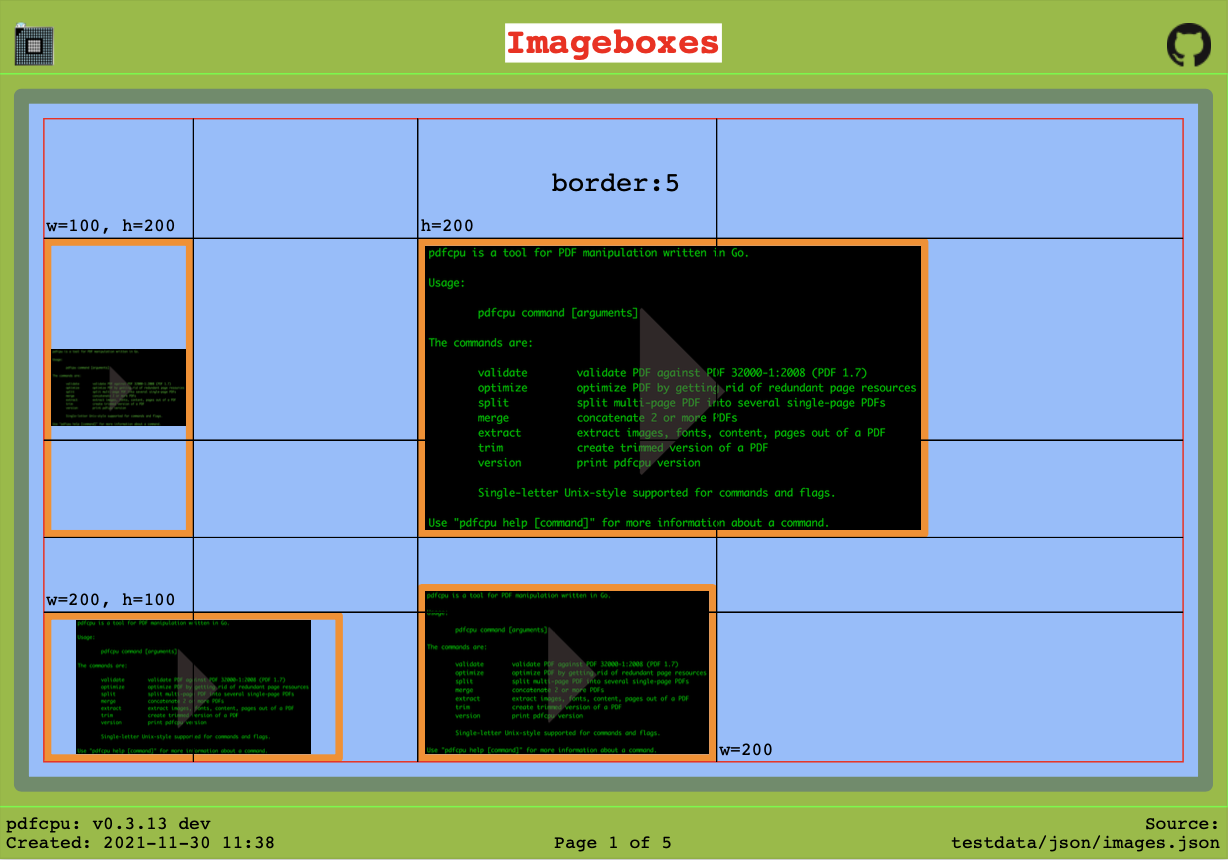
Selected examples:



Commands
Complete list of supported commands:
Motivation
pdfcpu aims to provide comprehensive PDF processing capabilities implemented in Go for both individual files and automated batch processing.
It focuses on correctness, robustness and independence from external dependencies.
Focus
- comprehensive PDF processing functionality
- minimal external dependencies
- predictable and stable behavior
Documentation
- Project documentation: https://pdfcpu.io
- Changelog: https://pdfcpu.io/changelog
- Contributing guidelines
- Security policy
CLI
- Command help:
pdfcpu [command] --help
Go API
-
Package documentation: https://pkg.go.dev/github.com/pdfcpu/pdfcpu
-
API documentation: https://pkg.go.dev/github.com/pdfcpu/pdfcpu/pkg/api
-
Examples:
Contributing
Contributions are welcome. See the contributing guidelines and the complete list of contributors.
Reporting PDF issues
For triage, we use Adobe Acrobat Reader and macOS Preview as practical compatibility references.
Reports are especially helpful when a PDF opens in either application but cannot be processed by pdfcpu, as these cases may
reveal opportunities to improve validation or parser compatibility.
If neither application can open the PDF, it is unlikely that pdfcpu will be able to process it reliably.
Start by validating the file:
pdfcpu validate -vv <file.pdf>
Include the command, its verbose output, and a sample PDF with the report.
Please submit only files that you have permission to share and that contain no confidential information or personal data.
Security
Please do not report security vulnerabilities through public GitHub issues.
See the security policy for private reporting instructions.
Code of Conduct
This project is released with a Contributor Code of Conduct. By participating, you agree to abide by its terms.
Disclaimer
Use of pdfcpu assumes compliance with all applicable copyrights for any processed PDF content, including embedded resources such as fonts and images.
Gopher artwork by Renee French
License
Apache License 2.0

相關資源

OCRmyPDF
CLI给扫描版 PDF 加上可搜索、可复制的文字层,可自动纠偏、旋转并优化体积,默认输出 PDF/A。基于 Tesseract,支持 100 多种语言,完全本地运行。
ocrmypdf/OCRmyPDF35.1k
PDF
Skill读取与提取 PDF 文本和表格,合并、拆分、旋转页面,加水印、填写表单,并能对扫描件做 OCR。驱动 Claude 文档能力的 Anthropic 官方技能,源码可见但非开源。
anthropics/skills182k
Claude Office Skills
Skill130 多个办公技能合集,覆盖合同审查、NDA 起草、职位描述与录用通知、发票报销、会议纪要、邮件及 Excel、PPT、PDF 处理;文书类复制即用,Airtable、Slack 等自动化类需另接服务,合同与财务结果需律师或会计复核。
claude-office-skills/skills526
Nutrient DWS MCP Server
MCPNutrient(原 PSPDFKit)官方 MCP:用自然语言合并 PDF、在 Office 与 PDF 间互转、OCR、加水印、涂黑脱敏个人信息、添加数字签名,并按字段提取发票、合同中的数据。文件会上传到 Nutrient 云端处理,需注册账号(可免费注册,按页消耗额度),本机需 Node.js。
PSPDFKit/nutrient-dws-mcp-server71
anydoc
CLIFirecrawl 出品,在本地把 Word、PPT、Excel、PDF、EPUB、RTF 等文档毫秒级转成干净的 Markdown,保留标题、表格、脚注与公式,方便 agent 读合同、讲义、报表等附件。需安装 Node.js;扫描件可选用 Firecrawl 云端 OCR(会上传整份文件)。
firecrawl/anydoc22.9k
pdfplumber
CLI精确读取电子版 PDF 中每个字符、线条和表格框的位置:命令行可导出保留版面的文字或 CSV / JSON 明细,Python 接口还能抽取表格和表单字段,适合从发票、对账单、报表里取数。需 Python 环境,本地运行;不适合扫描件,需先 OCR。
jsvine/pdfplumber10.8k