
Homebrew
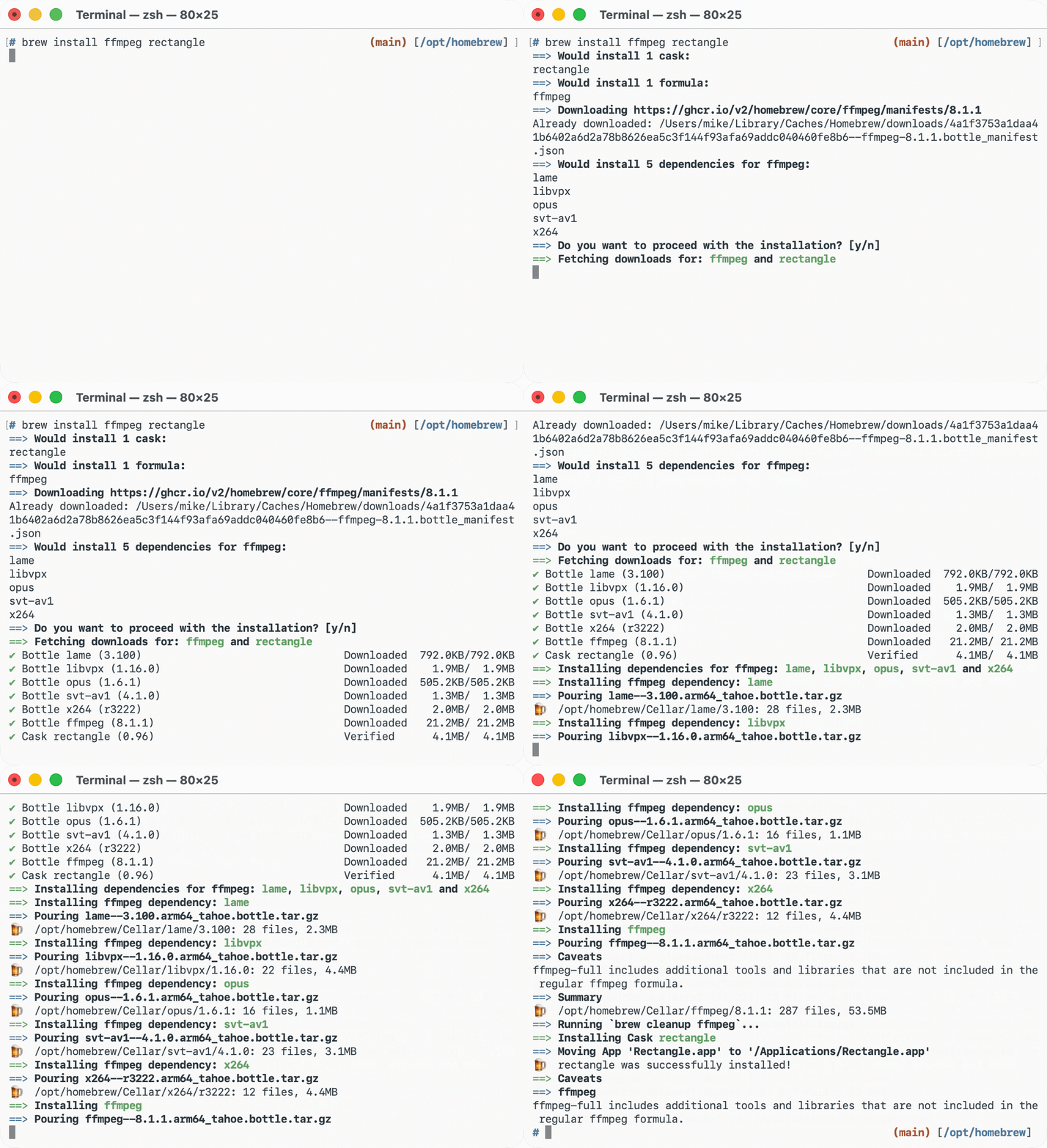
CLImacOS 与 Linux 上的包管理器:agent 可以用 brew install 安装命令行工具和桌面应用(cask),也可以用 brew bundle 按 Brewfile 批量还原开发环境。
🍺 Homebrew




See Homebrew's homepage at brew.sh for installation instructions, what homebrew does, packages, brew bundle and more.
💸 Donations
Homebrew is a non-profit project run entirely by volunteers, not employees. We need your funds to pay for software, hardware and hosting around continuous integration and future improvements to the project. Every donation will be spent on making Homebrew better for our users.
Please consider a regular donation through GitHub Sponsors, Open Collective or Patreon. Homebrew is fiscally hosted by the Open Source Collective.
📚 Documentation
Read the Homebrew manual with man brew.
Read installation,
troubleshooting,
contribution
including the FAQ on docs.brew.sh.
Read the Homebrew Blog for release notes, project updates and announcements.
📦 Packages
Find formulae, casks, dependencies, versions and package metadata on formulae.brew.sh.
View anonymised install, build and operating system usage data at formulae.brew.sh/analytics.
Read how Homebrew uses Anonymous Analytics.
🔧 Get Help
First, please run brew update and run (and read) brew doctor.
Second, read the Troubleshooting Checklist.
If you don't read these it will take us far longer to help you with your problem.
After this, if you still need help, please ask in Homebrew/discussions or follow (and read) the Homebrew/brew new issue chooser.
💬 Social
Follow Homebrew on Mastodon, Bluesky, 𝕏 (Twitter) or subscribe to the newsletter.
🤝 Contributing
We'd love you to join us and >10,000 others by contributing to Homebrew!
First, please read our Contribution Guide and Code of Conduct.
A good starting point for contributing is:
brew tap --force homebrew/coreorbrew tap --force homebrew/cask(depending on whether you'd rather work on formulae or casks)- perform a strict audit on a package you use e.g.
brew audit --strict ffmpegfor FFmpeg - if no warnings, run
brew audit --strictto run on all packages and pick one to fix - read through the warnings and fix them until
brew audit --strict <package>shows no results - submit a pull request with your fixes
Alternatively, for something more substantial, check out one of the open issues in Homebrew/brew, Homebrew/homebrew-core or Homebrew/homebrew-cask.
If you've had inspiration for a new feature or bug fix: we don't need you to open an issue first, just open a pull request with your implementation and we'll review it.
Good luck!
🔐 Security
Please see our security policy for how to report security issues and what is in scope.
👥 Who We Are
Homebrew's Project Leader is Mike McQuaid.
Homebrew's Lead Maintainers are Bevan Kay, Carlo Cabrera, Issy Long, Justin Krehel, Michael Cho, Mike McQuaid, Nanda H Krishna, Patrick Linnane, Rui Chen, Ruoyu Zhong, Sam Ford and Sean Molenaar.
Homebrew's other Maintainers are Andrew Nesbitt, Anton Melnikov, Bo Anderson, Branch Vincent, Caleb Xu, Daeho Ro, Douglas Eichelberger, Dustin Rodrigues, FX Coudert, Klaus Hipp, Markus Reiter, Michka Popoff, Štefan Baebler, Thierry Moisan and William Woodruff.
Homebrew was originally created by Max Howell.
📜 License
Code is under the BSD 2-clause "Simplified" License. Documentation is under the Creative Commons Attribution license.
💛 Sponsors
Our macOS continuous integration infrastructure is hosted by MacStadium's Orka.

Secure password storage and syncing is provided by 1Password for Teams.

https://brew.sh's DNS is resolving with DNSimple.


Homebrew is generously supported by Joshua Baer, Randy Reddig, Codecademy, Gusto, b.well, Workbrew, GitHub and many other users and organisations via GitHub Sponsors.

相關資源

Mole
CLImacOS 系统清理与维护命令行 mo:清理缓存和日志、彻底卸载应用、分析磁盘占用、清理项目构建产物、查看系统状态;删除类命令可先用 --dry-run 预览,磁盘分析与状态支持 JSON 输出。需要 macOS 12+。
tw93/Mole70.7k
mise
CLI多语言开发环境管理:在 mise.toml 里声明 Node、Python、Go 等工具版本、环境变量与项目任务,mise exec / mise run 按需安装并运行,本地与 CI 共用同一套配置。
jdx/mise35.1k
Claude Code
CLIAnthropic 官方终端编码 Agent:读懂代码库、修改代码、执行命令、处理 git 流程,支持插件、MCP 与无头模式(claude -p)。需要登录 Claude 账号或配置 API Key。
anthropics/claude-code151k
Codex CLI
CLIOpenAI 官方在本地运行的编码 Agent,Rust 实现,可读写代码、执行命令并在系统沙箱中运行;可用 ChatGPT 订阅登录,也可配置 API Key。
openai/codex130k
Gemini CLI
CLIGoogle 官方开源终端 Agent,使用 Gemini 模型与 100 万 token 上下文,内置 Google 搜索、文件与 Shell 工具并支持 MCP;个人 Google 账号有免费额度。
google-gemini/gemini-cli107k
RTK (Rust Token Killer)
CLI在命令输出进入 agent 上下文之前做过滤和压缩的 Rust 命令行代理,覆盖 git、测试、grep、ls 等上百种命令,最多可减少约 90% 的 bash 输出;通过钩子自动改写 Claude Code、Codex 等 agent 执行的命令。
rtk-ai/rtk83.6k