
VisiData
CLI终端里的表格数据浏览与整理工具,能打开 CSV、JSON、Excel、SQLite 等数十种格式,做筛选、排序、透视和频次统计;--batch 模式可无界面回放操作或转换文件格式。
VisiData v3.4




A terminal interface for exploring and arranging tabular data.
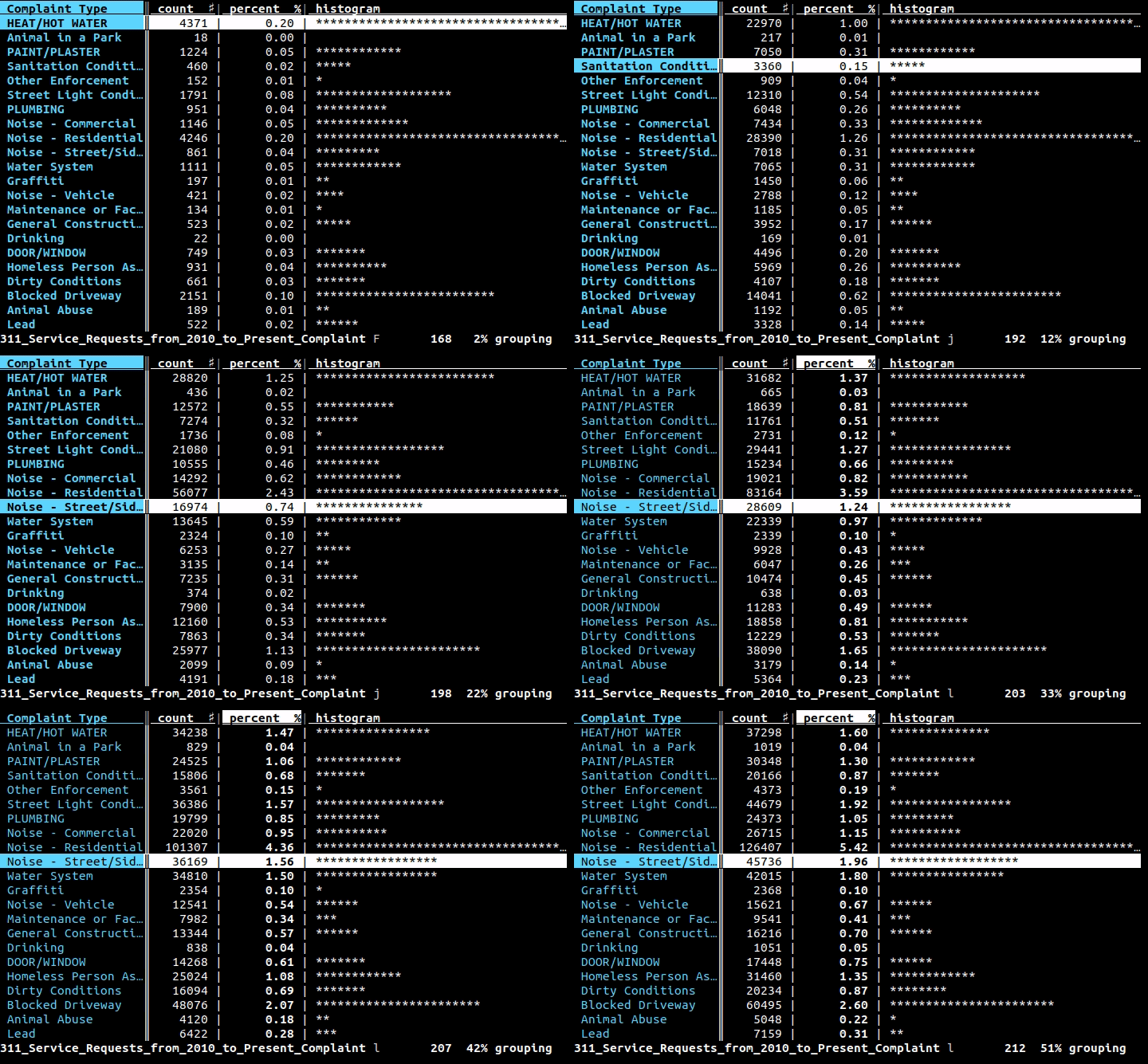
VisiData supports tsv, csv, sqlite, json, xlsx (Excel), hdf5, and many other formats.
Platform requirements
- Linux, OS/X, or Windows (with WSL)
- Python 3.8+
- additional Python modules are required for certain formats and sources
Install
To install the latest release from PyPi:
pip3 install visidata
To try VisiData without installing, use pipx or uv:
pipx run visidata # or: uvx visidata
To install permanently (adds vd to your PATH):
pipx install visidata # or: uv tool install visidata
Additional Python packages are needed for some formats:
pipx install visidata --preinstall openpyxl --preinstall lxml
# or: uv tool install visidata --with openpyxl --with lxml
To add format packages to an existing pipx install:
pipx inject visidata openpyxl lxml
To install the cutting edge develop branch (no warranty expressed or implied):
pip3 install git+https://github.com/saulpw/visidata.git@develop
If VisiData reports package X not installed even after you installed it, vd
is almost certainly running from a different environment than the one you
installed the package into. Check which vd, then install the package into
that environment — e.g. pipx inject visidata X for a pipx install, or the
Homebrew Python for brew install visidata.
See visidata.org/install for detailed instructions for all available platforms and package managers.
Usage
$ vd <input>
$ <command> | vd
Press Ctrl+Q to quit at any time.
Hundreds of other commands and options are also available; see the documentation.
Documentation
- VisiData documentation
- Plugin Author's Guide and API Reference
- Quick reference (available within
vdwithCtrl+H), which has a list of commands and options. - Intro to VisiData Tutorial by Jeremy Singer-Vine
Help and Support
If you have a question, issue, or suggestion regarding VisiData, please create an issue on Github or chat with us at #visidata on irc.libera.chat.
If you use VisiData regularly, please support me on Patreon!
License
Code in the stable branch of this repository, including the main vd application, loaders, and plugins, is available for use and redistribution under GPLv3.
Credits
VisiData is conceived and developed by Saul Pwanson <vd@saul.pw>.
Anja Kefala <anja.kefala@gmail.com> maintains the documentation and packages for all platforms.
Many thanks to numerous other contributors, and to those wonderful users who provide feedback, for helping to make VisiData the awesome tool that it is.
相關資源

csvkit
CLI老牌 CSV 命令行工具集:in2csv 把 Excel、JSON 转成 CSV,csvcut、csvgrep、csvsort 筛选排序,csvstat 做统计,csvsql 直接对 CSV 跑 SQL。
wireservice/csvkit6.4k
AiPy
CLI知道创宇开源的 Python-use 智能体:用大白话描述任务,它自动写 Python 代码在本机运行,可整理 Excel、汇总考勤、筛选简历。需 Python 3.11+ 与 DeepSeek 等模型 API Key;代码直接在电脑上执行,重要文件先备份。
knownsec/aipyapp4k
MarkItDown
CLI把 PDF、Word、Excel、PPT、HTML、图片、音频等文件转成保留标题、列表与表格结构的 Markdown,供大模型读取与分析。微软官方维护,需要 Python 3.10 以上。
microsoft/markitdown191k
Datasette
CLI把 SQLite 数据库发布成可以浏览、可以查询的网页和 JSON API,支持 SQL 查询、元数据和插件扩展,也能用 datasette publish 部署到 Cloud Run 等平台。适合数据探索和数据新闻,需要 Python 3.10 及以上版本。
simonw/datasette11.5k
YouPlot
CLI在终端里绘制柱状图、直方图、折线图、散点图和箱线图,从标准输入读取 CSV/TSV,接在 shell 管道末尾就能快速查看数据分布。命令名为 uplot。
red-data-tools/YouPlot4.9k
qsv
CLIRust 编写的高速表格数据工具集,近八十个子命令覆盖 CSV、Excel 的查询、统计、清洗、校验、连接与格式转换;另提供 MCP 服务与 Claude Cowork 插件。
dathere/qsv3.8k