
HubSpot Agent CLI
CLIHubSpot 官方为 AI agent 打造的命令行(beta):销售、市场和客服可让 AI 查找与批量更新联系人、公司、交易和工单,记录通话与会议,推进交易阶段,分派客服会话,并配有官方技能包。需要 HubSpot 账号并在浏览器登录;写操作直接改动线上数据,建议先用 --dry-run 试跑。
HubSpot Agent CLI
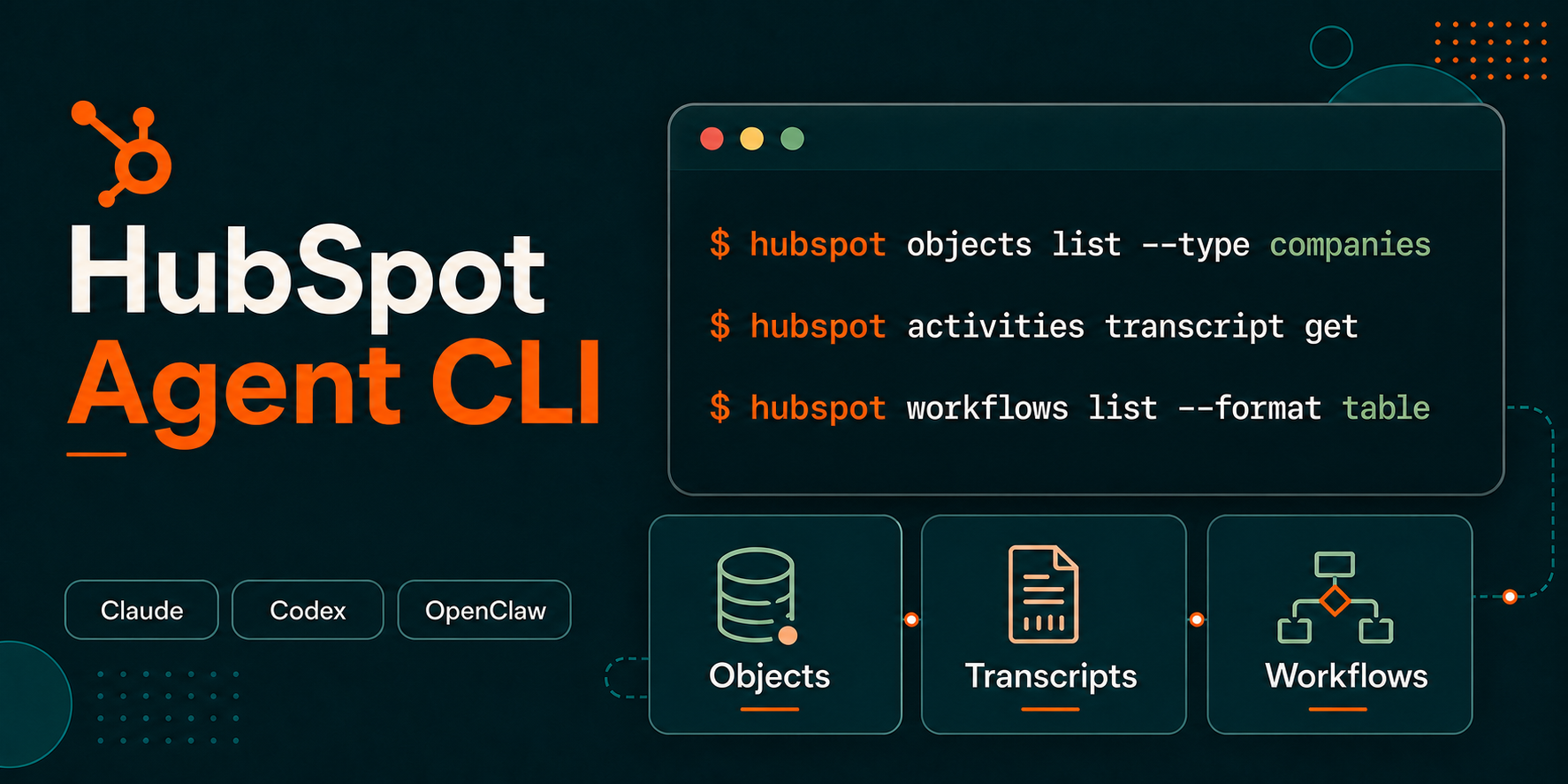
The HubSpot Agent CLI is a command-line tool for AI agents and technical users who need to work directly with HubSpot CRM data from a local or agent workspace.
This repository is the public home for HubSpot Agent CLI releases, version history, issue tracking, and documentation links. The CLI should be installed using the instructions and prompts included below.
[!WARNING] The HubSpot Agent CLI is currently in beta. Commands, flags, and behavior may change without notice. Write operations such as create, update, and delete can modify or permanently delete live CRM data. Test in a sandbox account when possible and use
--dry-runbefore applying mutations.
Documentation
- Documentation: Install and use the HubSpot Agent CLI
- HubSpot Knowledge Base: Use the HubSpot Agent CLI
- HubSpot Agent CLI Skills
- Releases
- Issues
Installation
The Agent CLI is packaged as a single binary with no runtime dependencies. It is supported on macOS, Linux, and Windows.
Install in an AI-agent workspace
If you are setting up the CLI for use with an AI agent such as Claude Code, Claude Cowork, or OpenAI Codex, provide the prompt below to your agent:
Install the HubSpot Agent CLI in this agent workspace. If this workspace uses a POSIX shell (macOS, Linux, WSL, or Bash), run `curl -fsSL https://api.hubapi.com/hub/cli/backend/hub-cli/latest/install.sh | sh`. If it uses Windows PowerShell, run `irm https://api.hubapi.com/hub/cli/backend/hub-cli/latest/install.ps1 | iex`. Then authenticate with `hubspot auth login`, install HubSpot Agent CLI Skills with `npx skills add hubspot/agent-cli-skills`, and use `hubspot --help` to explore what's available.
Agents can discover CLI capabilities with --help at any level of the command tree:
hubspot --help
hubspot objects --help
hubspot objects list --help
Install manually
Install the latest Agent CLI binary for your operating system.
macOS and Linux
curl -fsSL https://api.hubapi.com/hub/cli/backend/hub-cli/latest/install.sh | sh
Windows PowerShell
irm https://api.hubapi.com/hub/cli/backend/hub-cli/latest/install.ps1 | iex
The installer adds the CLI to your PATH. After installation, open a new terminal window or tab so the PATH change takes effect.
Verify the installation:
hubspot --version
Add HubSpot Agent CLI Skills
If you installed the CLI for use in an AI-agent workspace, install HubSpot Agent CLI Skills in that same workspace:
npx skills add hubspot/agent-cli-skills
The skills give compatible agents HubSpot-specific guidance for CRM lookup, bulk operations, data quality, workflow automation, and related tasks. To inspect the skills before installing them, see the hubspot/agent-cli-skills repository.
Authentication
After installing the CLI, authenticate with your HubSpot account:
hubspot auth login
This opens a browser window where you can authorize the CLI. The resulting token is scoped to your HubSpot user permissions and is refreshed automatically.
Confirm your authenticated account and token type:
hubspot whoami
To clear cached credentials:
hubspot auth logout
For admin or automation workflows that require account-level access, the CLI also supports service key tokens through the HUBSPOT_ACCESS_TOKEN environment variable. See Admin mode via service key token for details on OAuth behavior, service key setup, and auth-sensitive commands.
Keep the CLI up to date
Choose the update path that matches how you installed the CLI.
Installed on your computer
Download and install the latest Agent CLI binary:
hubspot upgrade
If you also installed HubSpot Agent CLI Skills in this workspace, update the skills library:
npx skills update
Installed in an agent workspace
Provide the prompt below to your AI agent:
Use the command `hubspot upgrade` in the workspace you previously installed the HubSpot Agent CLI to get the latest version. Then use `npx skills update` in the same workspace to check for new or updated HubSpot Agent CLI Skills. Confirm when both commands have completed successfully or if there were any errors and the appropriate resolution steps.
Disable automatic upgrades
Technical users who rely on generated scripts can disable automatic upgrade checks to keep CLI behavior consistent while those scripts are reviewed.
export HUBSPOT_NO_AUTO_UPGRADE=1
Confirm the CLI version your scripts will use:
hubspot --version
This setting applies to automatic upgrade checks for normal commands. You can still install an update explicitly with hubspot upgrade.
Network access
The CLI installer, upgrade flow, and commands communicate with HubSpot through api.hubapi.com. If your agent workspace runs in a managed environment with outbound network restrictions, your administrator may need to allowlist api.hubapi.com. For further information and instructions for administrators of Claude and Codex Desktop apps, see Using the CLI with Claude Cowork.
Reporting issues
Use GitHub Issues to report bugs, request improvements, or share feedback about the HubSpot Agent CLI. Include the CLI version from hubspot --version, the command you ran, the expected result, and the actual result.
Terms
By using the HubSpot Agent CLI beta, you agree to HubSpot's Developer Terms and Developer Beta Terms.
相關資源
HubSpot Agent CLI Skills
SkillHubSpot 官方技能包,教 agent 用 hubspot 命令行处理 CRM:查客户与往来记录、筛选受众、清洗重复数据、推进商机、出销售报表、分派客服工单。需先安装 HubSpot Agent CLI(测试版)并登录 HubSpot 账号;批量改删前先预演,部分功能需付费版。
HubSpot/agent-cli-skills27
Review and Reputation
Skill汇总 Google、Yelp、Facebook 等平台的顾客评价与投诉,按主题归纳并附原话,以店主口吻为每条评价起草回复,经确认后才发布;还能找出久未回购的老客并起草挽回消息。粘贴或导出评价即可使用,接入 CRM、收款或 Shopify 后更全面。Anthropic 官方 small-business 插件。
anthropics/knowledge-work-plugins30.3kticket-resolution
SkillHubSpot 官方技能:让 agent 用 HubSpot Agent CLI 创建和分诊客服工单,按管道阶段推进、按优先级排队、批量改状态并记录解决结果。需 HubSpot 账号、安装并登录 Agent CLI(测试版),并同时安装同仓库的 bulk-operations 技能;会直接改线上 CRM 数据,建议先在沙箱账号试用。
HubSpot/agent-cli-skills27
GTM Agents: Customer Success
Plugingtm-agents 合集里的客户成功插件:提供客户健康度监控、采用率提升计划、升级处理手册三个命令及对应子代理,另有风险评分框架、高管业务回顾(EBR)材料、客户反馈闭环等技能。纯提示词无需账号,需自备用量、工单、NPS 等客户数据。
gtmagents/gtm-agents421
Salesforce MCP Server
MCP社区维护、在本机运行的 Salesforce MCP:销售和客服可以用自然语言查询、汇总和更新客户、商机、个案等记录,也能跨对象搜索;管理员还可以建自定义对象和字段、读写 Apex。需要 Salesforce 用户名、密码和安全令牌(或 Connected App 凭据),本机装 Node.js 22 以上。
tsmztech/mcp-server-salesforce165
Salesforce Hosted MCP Servers
MCPSalesforce 官方托管的 MCP 服务:管理员在 Setup 中启用服务器并配置外部客户端应用(OAuth)后,Claude 等 agent 可按用户权限查询和更新客户、商机、个案等 CRM 数据并调用 Flow。需要 Enterprise 及以上版本或免费的 Developer Edition 组织;本仓库是官方文档与问答中心。
forcedotcom/mcp-hosted135